
Best budget tv boxes for streaming netflix come down to a few non-negotiables in 2026: certified Netflix support, smooth 4K playback (if your plan and TV allow it), and a remote that doesn’t make you hate movie night.
If you’ve ever bought a “cheap Android TV box” and then found Netflix capped at low resolution, random crashes, or weird app stores, you already know the trap, price tags look similar, real performance doesn’t.
This guide focuses on what a U.S. shopper can actually buy and use day-to-day, what tends to work well for Netflix, and what to skip even if reviews look tempting.
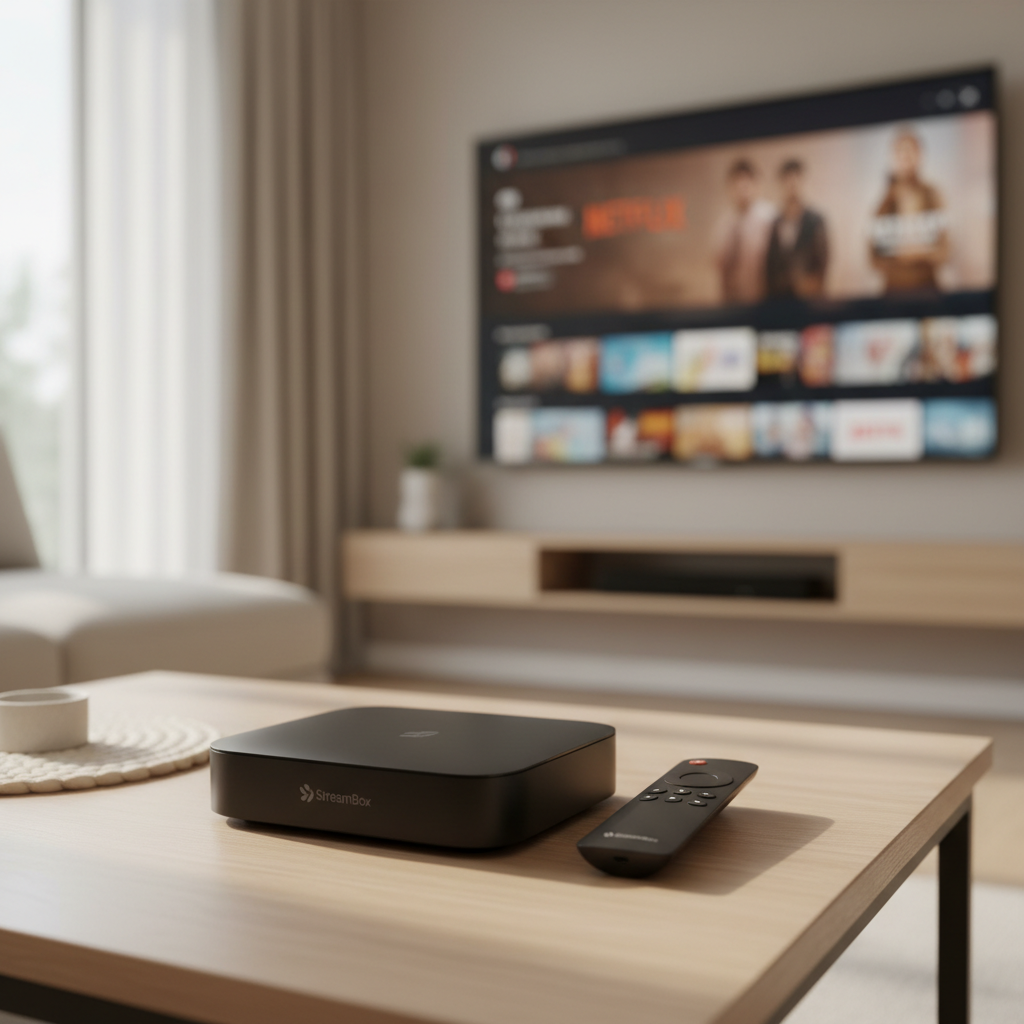
What “budget” should still include for Netflix in 2026
On paper, most boxes can “install Netflix.” In practice, Netflix quality and stability often depend on certification and DRM support, not just raw hardware.
- Netflix certification + Widevine L1: Usually the difference between proper HD/4K and being stuck at SD.
- Modern OS: Google TV / Android TV (not generic Android), Fire TV, or tvOS. These tend to get app updates that matter.
- Wi‑Fi 5/6 or Ethernet: Netflix can work on older Wi‑Fi, but buffering complaints often trace back to weak radios.
- 4K + HDR (optional): Helpful if you have a 4K TV and a Netflix plan that includes 4K. Otherwise, don’t overpay.
- Remote + voice search: Not “spec sheet sexy,” but it’s what you touch every night.
According to Netflix Help Center..., the Netflix app experience varies by device model and certification, and not every streaming device supports the same resolutions and features. That’s the polite version of “some cheap boxes will disappoint.”
Quick picks: best budget TV boxes for Netflix (2026)
Rather than pretend there’s one perfect box, here are practical picks by typical U.S. use cases. Pricing shifts constantly, so treat these as “best value when on sale” categories.
Best overall value: Roku Express 4K+
Roku tends to be the least fussy for Netflix, setup stays simple, and performance is usually consistent for the money. If you want the easiest path from box to binge, this is a safe bet.
- Good fit if you want: simple UI, stable Netflix playback, minimal tinkering
- Watch-outs: fewer “power user” features, limited app flexibility vs Android TV
Best Google TV budget option: Chromecast with Google TV (HD or 4K)
If you like Google TV recommendations and want a more “smart TV” feel, Chromecast with Google TV often hits the sweet spot. It’s also a nice choice if your household uses YouTube, Google Photos, or Google Home.
- Good fit if you want: Google TV interface, broad app catalog, voice remote
- Watch-outs: stoRAGe can feel tight if you install many apps and games
Best for Amazon-first homes: Fire TV Stick 4K (often discounted)
Fire TV devices go on sale frequently, which is why they show up in “budget” lists even when MSRP looks higher. Netflix works well, and it’s convenient if you already live inside Amazon services.
- Good fit if you want: frequent deals, Alexa voice control, solid 4K streaming
- Watch-outs: more ads and Amazon-first navigation than some people like
Best “old TV rescue” choice: Onn. Google TV (Walmart)
Onn devices are popular because they’re cheap and surprisingly usable. They can be a practical fix for an older TV, a guest room, or a dorm situation where you don’t want to spend much.
- Good fit if you want: low cost, Google TV feel, decent remote
- Watch-outs: quality control can vary, and updates may not be as long-term as premium brands
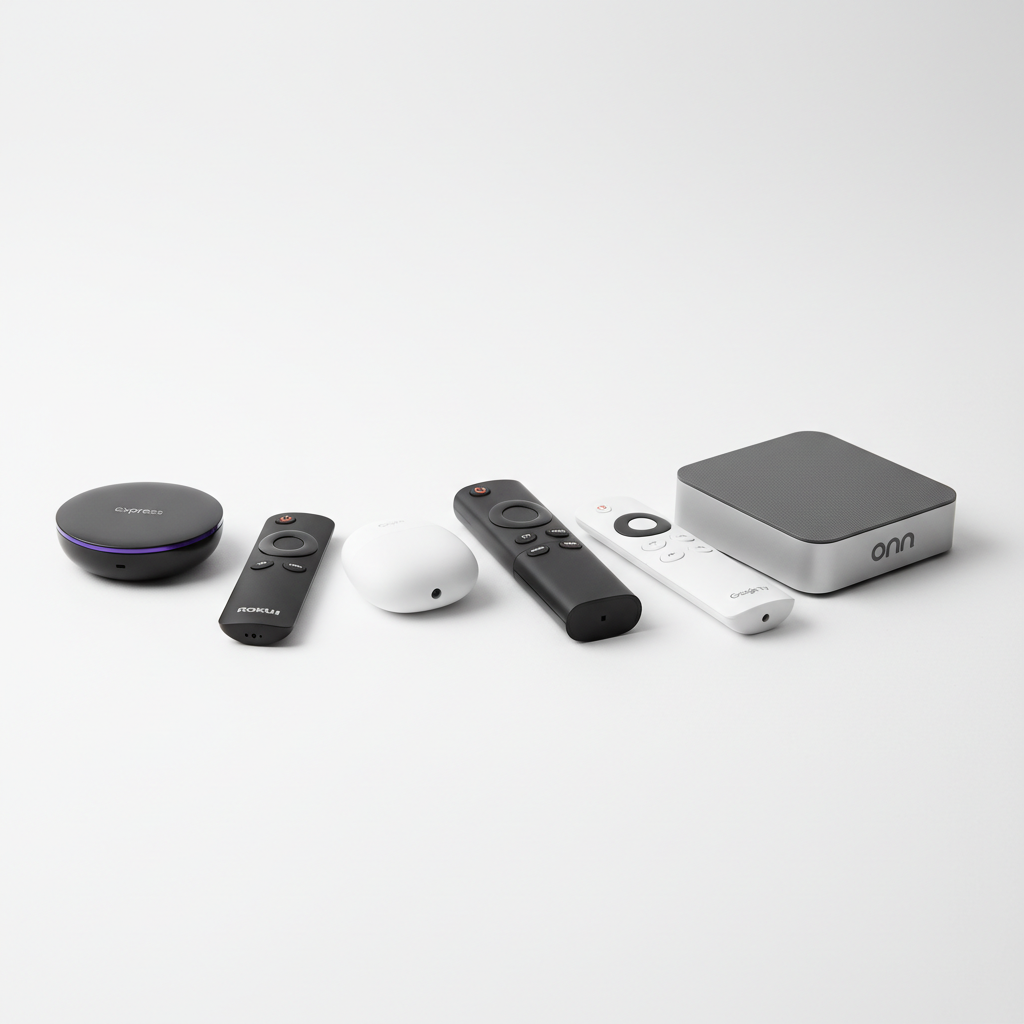
Comparison table: how to choose quickly
Use this table as a shortcut. Exact specs and bundles change, but the decision logic stays steady.
| Device | Why it works for Netflix | Best for | Common trade-off |
|---|---|---|---|
| Roku Express 4K+ | Stable platform, strong app support | “Just works” streaming | Less customizable |
| Chromecast with Google TV | Google TV app ecosystem, smooth UX | Google-centric households | Limited storage |
| Fire TV Stick 4K | Widely supported Netflix app | Amazon/Alexa users, deal hunters | More ads/promotions |
| Onn. Google TV | Good value, Netflix support via Google TV | Guest room, starter setup | Updates/support may vary |
Self-check: which box matches your setup?
Before you buy anything, answer these fast. Most “bad streaming device” stories come from mismatches, not just bad products.
- Your TV inputs: Do you have a free HDMI port, and is it reachable if the device is a stick?
- Your Netflix plan: If you’re on a plan without 4K, chasing “4K boxes” won’t change what you see.
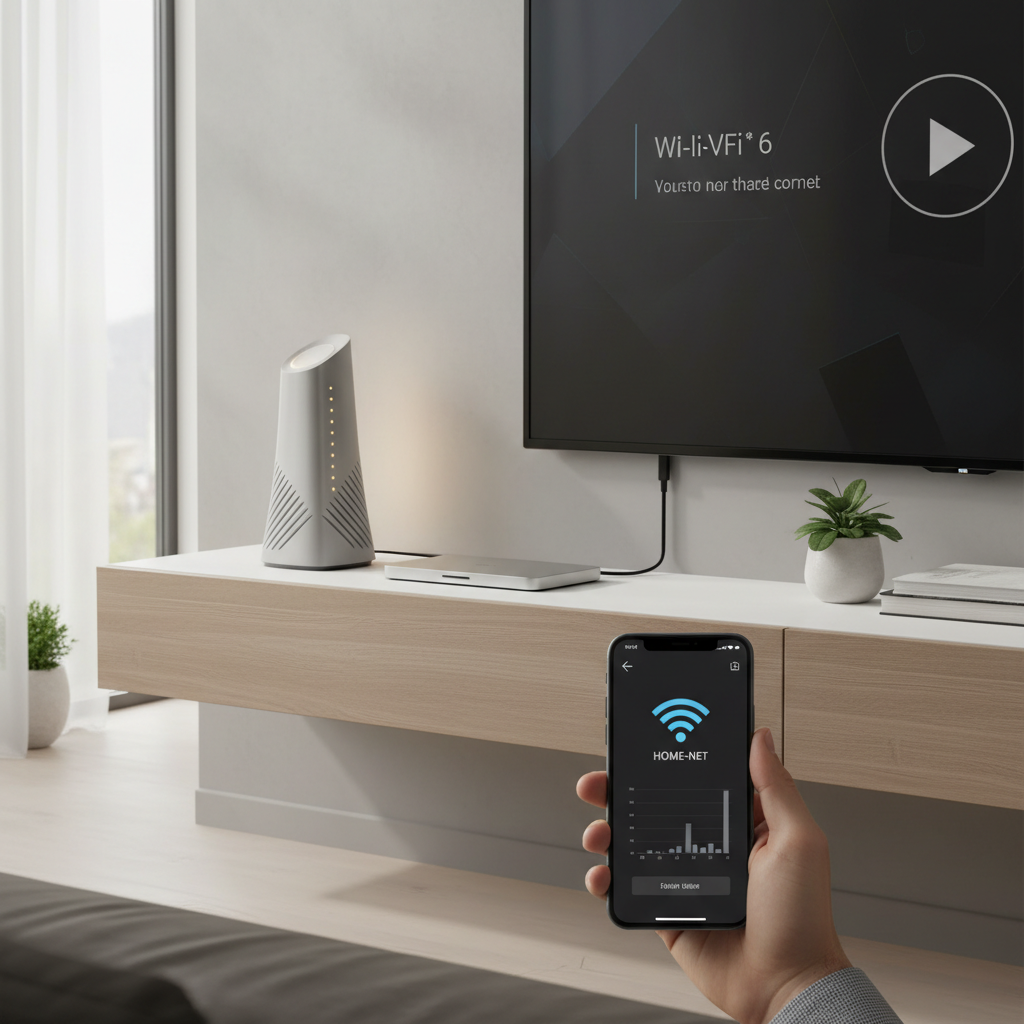
- Your Wi‑Fi reality: Router far away, crowded apartment Wi‑Fi, or thick walls? Prioritize better Wi‑Fi support or Ethernet.
- Your tolerance for ads: Some platforms push promotions harder than others.
- Shared household: If kids or guests use it, favor the simplest UI and best remote.
If you’re trying to optimize a tight budget, pick the device that reduces daily friction. That’s usually worth more than a spec bump you won’t notice.
Real-world setup tips (to get Netflix looking good)
Even the best budget tv boxes for streaming netflix can look mediocre if your settings and network are off. These steps fix the common culprits without turning it into a weekend project.
1) Confirm you’re actually getting HD/4K
- Check your Netflix plan and TV capability (1080p vs 4K).
- Make sure the device display settings match the TV, auto is fine but sometimes picks wrong.
- If your TV has “HDMI enhanced” mode, enabling it can help with 4K/HDR on some sets.
2) Fix buffering the boring way: network basics
- Prefer 5 GHz Wi‑Fi if your router is nearby; it’s often faster and less crowded.
- If the TV area is a dead zone, consider Ethernet (if supported) or a mesh node.
- Restart the router if performance suddenly drops, it sounds basic because it often works.
3) Reduce lag by trimming clutter
- Uninstall apps you don’t use, especially on low-storage devices.
- Disable autoplay previews if the interface feels sluggish.
- Keep firmware updated, security fixes and performance patches matter on streaming platforms.
Common mistakes people make when buying a “cheap Netflix box”
You can waste money even at $25–$50 if you buy the wrong kind of “Android box.” These are the patterns that show up over and over.
- Confusing Android TV with Android: Generic Android boxes may run Netflix poorly, or limit resolution.
- Chasing inflated specs: Big RAM numbers don’t guarantee Netflix stability if software support is weak.
- Ignoring the remote: A bad remote turns a decent device into a daily annoyance.
- Buying for a feature you can’t use: 4K/HDR doesn’t help if your TV or Netflix plan can’t deliver it.
- Overlooking return policy: Budget devices vary; a good return window is a real feature.
According to Google..., Android TV and Google TV are designed for TV-optimized apps and remote navigation, which is a different target than phone-style Android builds. That difference often shows up in streaming app behavior.
When it’s worth spending a bit more (and when it isn’t)
Budget is great, but there are a few moments where a step-up device can save frustration for years.
- Spend more if you: need Ethernet, want faster app switching, care about longer update support, or use a high-end 4K HDR TV daily.
- Stay budget if you: mostly watch Netflix in one room, don’t install many apps, and just need reliable playback.
If your situation includes accessibility needs, complicated home theater gear, or persistent audio sync issues, it may be worth asking a local AV pro or your TV manufacturer support for guidance, since compatibility varies by model.
Key takeaways (so you can buy in 5 minutes)
- Certification beats specs for Netflix quality on budget devices.
- Roku is often the simplest “it just works” value choice.
- Google TV options feel more flexible, but can have tighter storage.
- Fire TV can be a deal winner if you don’t mind a more Amazon-forward interface.
- Fix Wi‑Fi and settings before blaming the box.
If you’re choosing today, pick the platform you’ll enjoy using nightly, not the one with the flashiest bullet points.
FAQ
What is the best budget TV box for streaming Netflix in 2026?
For many households, Roku Express 4K+ is the safest “low drama” pick, while Chromecast with Google TV is strong if you prefer Google’s interface. The best choice depends on your ecosystem and whether you value simplicity or flexibility.
Why do some cheap Android TV boxes only play Netflix in SD?
This often comes down to certification and DRM support. Many generic boxes can install Netflix, but don’t meet requirements for higher resolutions, so the app limits quality even if the hardware seems capable.
Do I need a 4K streaming box to watch Netflix?
No, 1080p devices still look good on many TVs. 4K only makes sense if your TV supports it and your Netflix plan includes 4K streaming, otherwise you may not see a real benefit.
Is a TV box better than using my smart TV’s built-in Netflix app?
It can be. Many built-in TV systems slow down over time or stop receiving updates. A dedicated streamer often feels faster and gets app updates longer, though some newer TVs do fine for a while.
How can I reduce Netflix buffering on a budget streaming device?
Start with Wi‑Fi placement and band choice, then test Ethernet if available. If the device supports it, switching to 5 GHz or improving router placement solves a lot of “device” problems that are really network issues.
Will a budget streamer work with Bluetooth headphones?
Sometimes, but it varies by platform and model. If private listening matters, check the device’s audio features carefully, Roku and others may offer app-based private listening options instead of Bluetooth on certain models.
What should I prioritize: faster processor or better Wi‑Fi?
For Netflix, better Wi‑Fi (or Ethernet) usually makes a bigger difference than CPU specs. A fast chip can’t compensate for unstable connectivity.
If you’re trying to decide between two similarly priced options and want a more “set it up once and forget it” plan, list your TV model, Wi‑Fi situation, and the apps you actually use, then choose the box that matches that reality, not the marketing.