
Budget usb flash drives 2026 can be a great deal, but only if you match the drive to what you actually store and how you move files day to day. The hard part is that listings often highlight capacity and ignore the stuff that causes headaches later, like unstable speeds, weak connectors, or confusing USB version labels.
If you just want a cheap stick for a few PDFs, almost anything works. If you’re moving 4K video, running portable apps, or using it on a keychain for months, the “same capacity” options can feel wildly different. This guide focuses on practical buying signals, not hype, so you can spend less without buying twice.
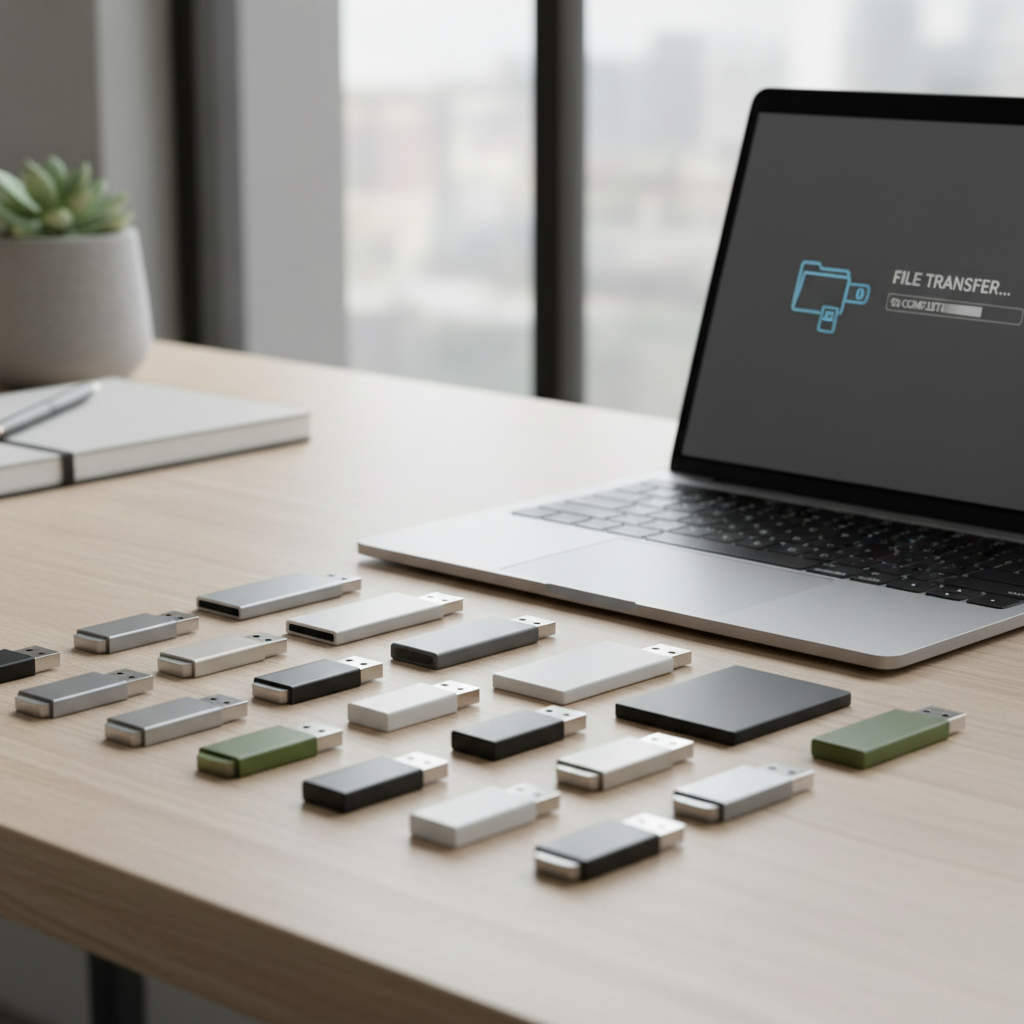
You’ll also see a small comparison table, a quick self-checklist, and a few “don’t do this” warnings that save people money. One note: prices shift constantly, so think in tiers and features instead of chasing a single model name.
What “budget” really means for USB flash drives in 2026
In 2026, “budget” usually means you’re shopping in the mass-market range where brands may reuse similar shells while the internal NAND (flash memory) can change across production batches. That’s why two drives with the same label sometimes behave differently in long transfers.
For most buyers, budget is still fine if you prioritize a few basics:
- Enough capacity with breathing room (don’t buy exactly your current usage).
- Consistent write speed over peak “up to” reads.
- Practical connector (USB-A vs USB-C, or dual-head) for your devices.
- Warranty and retailer transparency to reduce counterfeit risk.
According to the USB Implementers Forum (USB-IF), USB branding and naming has evolved over time, so it’s smart to look at the actual stated specs (Gen numbers, connector type, and sometimes sustained speed claims) rather than assuming the name tells the full story.
Quick comparison table: common budget-friendly choices (by use case)
This table isn’t a ranking of specific SKUs, it’s a shortcut to the type of drive that tends to work best for a given need. Use it to filter search results quickly.
| Use case | What to prioritize | Typical capacity | Connector | Watch-outs |
|---|---|---|---|---|
| School/work docs | Reliability, small size | 64–128GB | USB-A or USB-C | Ultra-cheap no-name listings |
| Photos + phone backups | USB-C, app compatibility | 128–256GB | USB-C or dual | iPhone/iPad format quirks, adapter hassle |
| Large video files | Sustained write speed | 256–512GB | USB-C preferred | Speed drops after cache fills |
| Car stereo / media | Compatibility, durability | 32–128GB | USB-A | FAT32/exFAT limits, heat |
| Emergency “go-bag” | Rugged build, encryption | 64–256GB | Either | Caps that fall off, cheap swivels |
Why cheap flash drives disappoint (and how to spot it early)
The frustrating part about shopping budget usb flash drives 2026 is that the failure modes are predictable, but listings rarely mention them. Here are the big ones that show up in real usage.
Sustained write speed collapses
Many drives look fast for the first few seconds, then slow down hard once a small cache fills. This matters if you transfer multi‑gig files or lots of photos at once. If reviews mention “fast at first” or “drops to single digits,” treat that as a warning for video workflows.
Controller and NAND quality varies
Two drives can share the same USB version and capacity but use different controllers or lower-end flash. You won’t see that on the box, so your best clue is consistent reviewer feedback over time and buying from reputable sellers.
Weak connectors and housings
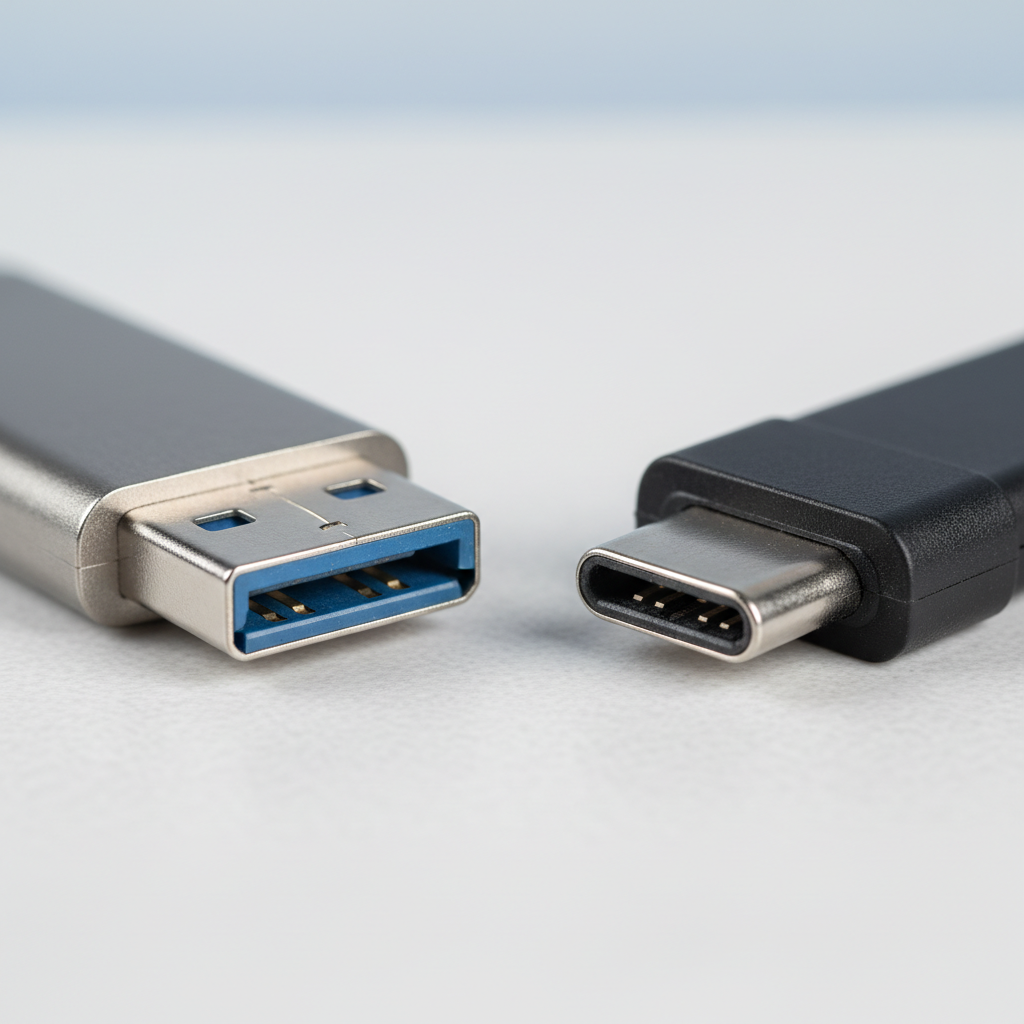
If the USB plug wiggles, it’s not just annoying, it can cause intermittent disconnects during writing, which risks file corruption. Metal housings often feel sturdier, but a well-built plastic shell can still be fine if the connector is reinforced.
Counterfeits and “fake capacity” drives
This is still a thing: a drive may report 1TB but only physically hold far less, then overwrite old data when it fills. Buying from official storefronts or major retailers reduces risk, and testing right away is worth the time.
Self-checklist: which budget flash drive type fits you?
If you’re torn between five similar-looking options, answer these quickly. Your answers usually narrow the field more than any spec sheet.
- File size: Are you mostly moving small documents, or 5–20GB files?
- Device mix: Mostly laptop USB-A, mostly USB-C, or both?
- Transfer frequency: Once a month vs daily shuttling?
- Risk tolerance: Is it replaceable data, or the only copy?
- Physical life: Keychain abuse, backpack, car heat, or desk-only?
Fast rule that holds up: if you write large files often, spend a bit more for a drive known for stable writes, or consider a tiny external SSD. The “cheapest per GB” choice usually hurts most in that exact scenario.
How to choose budget usb flash drives 2026: the specs that matter
Spec pages can feel like alphabet soup. The trick is to focus on a few signals that correlate with real performance and fewer surprises.
Capacity: don’t buy edge-of-limit
A drive that’s always 95% full tends to feel slower and becomes harder to manage. For most people, 128GB is the comfortable “budget sweet spot,” while 256GB makes sense for photos and mixed media.
USB 3.x and connector choice
USB-A is still everywhere in the US for desktops, cars, and older laptops. USB-C is the better match for newer laptops, tablets, and many phones. If you jump between devices, a dual-connector drive can reduce adapter drama, though the hinges can be a durability weak point.
Read speed vs write speed
Listings love read speed because it looks impressive. Write speed is what you feel during backups. If the brand only publishes a single “up to” number with no mention of write performance, assume writes are modest.
Encryption and basic security
If you carry sensitive files, software encryption can help, but ease-of-use varies by OS and company app quality. For highly sensitive data, hardware-encrypted drives exist, but they’re rarely “budget.” Also, if this touches compliance at work, your IT policy matters more than any product page.
Practical steps: test a new flash drive right away
This is the unglamorous part that saves you later. When your new drive arrives, do a quick test before trusting it with anything important.
- Format it to the file system you need (often exFAT for cross-platform, FAT32 for older devices). If you’re unsure, keep a copy elsewhere and ask your workplace IT.
- Copy a large folder (10–30GB if you can) and time it, then copy it back.
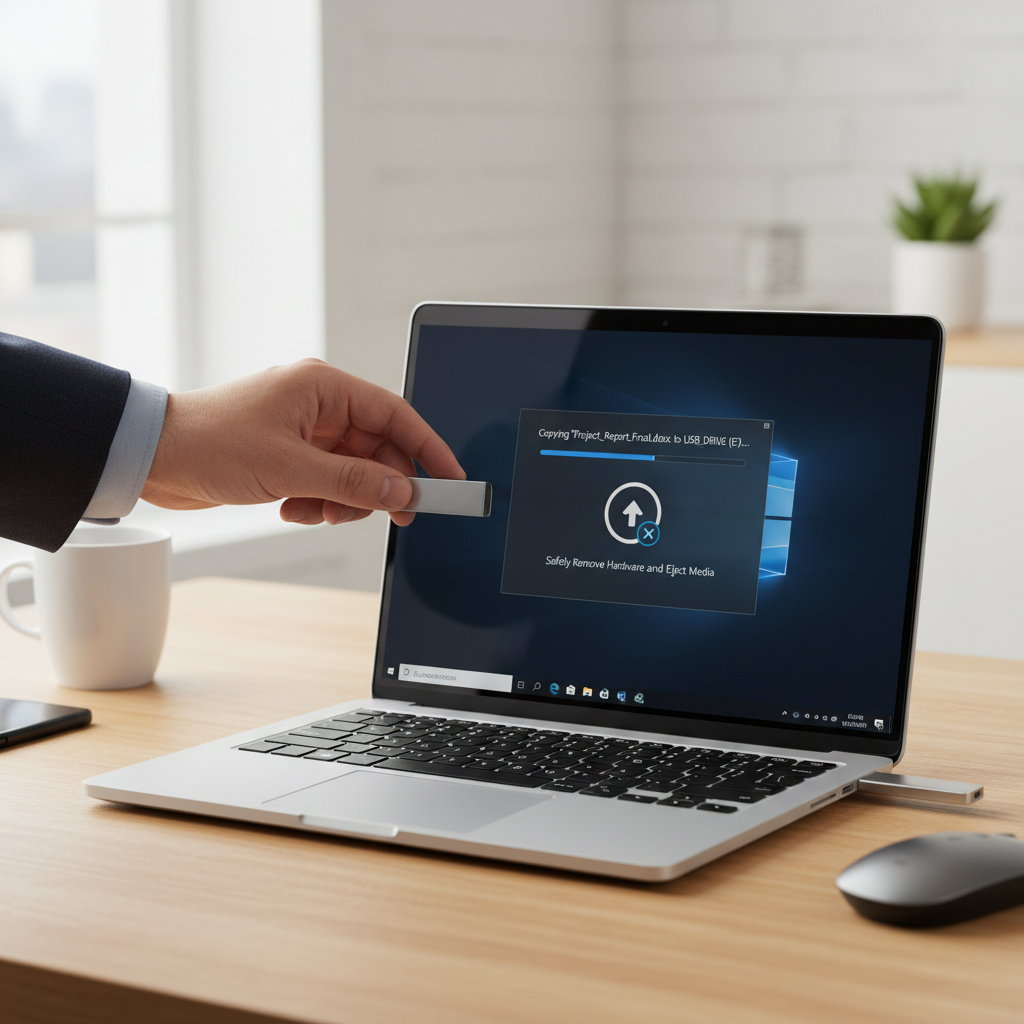
- Eject properly and re-plug to confirm files open cleanly.
- Optional capacity verification using reputable tools if you bought from a marketplace with mixed sellers.
According to Microsoft, using “Safely Remove Hardware” (or the modern equivalent in Windows) helps avoid data loss during writes, especially when the drive is still flushing cached data.
Common mistakes that waste money (even when the drive is “cheap”)
- Buying the biggest number for the lowest price and assuming it’s legitimate capacity.
- Using one drive as the only backup. A flash drive is convenient, not a full backup strategy.
- Leaving it in hot cars for long periods. Heat can reduce lifespan; if you must, keep critical files elsewhere too.
- Constantly yanking it out during transfers. If you move data often, build the habit of ejecting.
- Ignoring compatibility with TVs, printers, or car stereos that expect specific formats.
One more that sneaks up on people: tiny “nano” drives are great for laptops you move around, but they’re easier to lose. If losing it would be a problem, a slightly larger body you can clip or label is sometimes the smarter budget call.
Bottom line: what to buy for storage in 2026 (without overspending)
If you’re shopping budget usb flash drives 2026, pick the drive style that matches your transfer habits, not the one that looks best in a thumbnail. For docs and light stoRAGe, a reputable 64–128GB USB 3.x drive is usually enough. For photos and bigger projects, 256GB with known stable writes is where “budget” still feels good.
Action steps that work: set a capacity target with 30–50% free space, choose USB-C if your daily devices are USB-C, and spend five minutes testing right after delivery. That small routine prevents most of the painful stories people associate with cheap flash drives.
Key takeaways
- Sustained write speed matters more than flashy “up to” read numbers.
- Buy from reliable sellers to avoid counterfeit and fake-capacity drives.
- Test immediately before trusting the drive with important files.
- One drive is not a backup plan; keep another copy somewhere else.
FAQ
What size is enough for a budget USB flash drive in 2026?
For everyday documents and school files, 64–128GB usually covers it with room to spare. If you store photos, phone backups, or mixed media, 256GB tends to feel less cramped without jumping to premium pricing.
Are USB-C flash drives worth it if I still have USB-A ports?
If your main laptop and phone use USB-C, it’s worth it for convenience and fewer dongles. If you regularly use desktops, car stereos, or older workstations, a dual-connector drive or a USB-A model may fit your routine better.
Why does my flash drive start fast then slow way down?
Many drives use a small fast cache, then switch to slower sustained writes once it fills. That behavior is common in cheaper models, and it’s why reviews that mention long-transfer performance are more useful than single “burst” benchmarks.
How can I avoid fake-capacity flash drives?
Stick to reputable retailers or official brand storefronts, be cautious with deals that look too good, and test capacity soon after purchase using well-known verification tools. If anything looks off, return it while you still can.
Is a USB flash drive okay for long-term storage?
It can be okay for secondary copies, but it’s not ideal as the only archive. Flash memory can degrade over time, and small physical devices are easy to lose, so keep at least one other copy in a different place.
Should I format as exFAT or FAT32?
exFAT is often the easiest for modern Windows and macOS and supports large files. FAT32 can be required by older devices like some car stereos, but it has file size limits. If you’re unsure, check the device manual or vendor support pages.
Do budget USB drives work for iPhone or iPad backups?
Sometimes, but compatibility depends on connector type, iOS/iPadOS behavior, and the app workflow you use. Many people have smoother results with USB-C iPads or newer iPhones using USB-C, while older Lightning models may need adapters and more troubleshooting.
If you’re trying to choose between a few listings and want a quicker, lower-risk pick, start by filtering for your connector type and capacity, then prioritize models with consistent long-transfer feedback and clear warranty terms, it’s usually the most “budget-friendly” move in practice.