
Best budget tablet stands for video calls are usually the ones that keep your screen steady at eye level, fit your tablet with the case on, and don’t slowly droop mid-call. You don’t need a premium accessory to look more “professional” on Zoom or FaceTime, but you do need the basics done right: stability, angle range, and a grip that won’t slip.
If you’re buying on a budget, the tricky part is that many stands look identical online. In real use, small differences matter a lot: hinge tension, base weight, and whether the stand still works when you rotate to portrait for reading or TikTok-style calls.
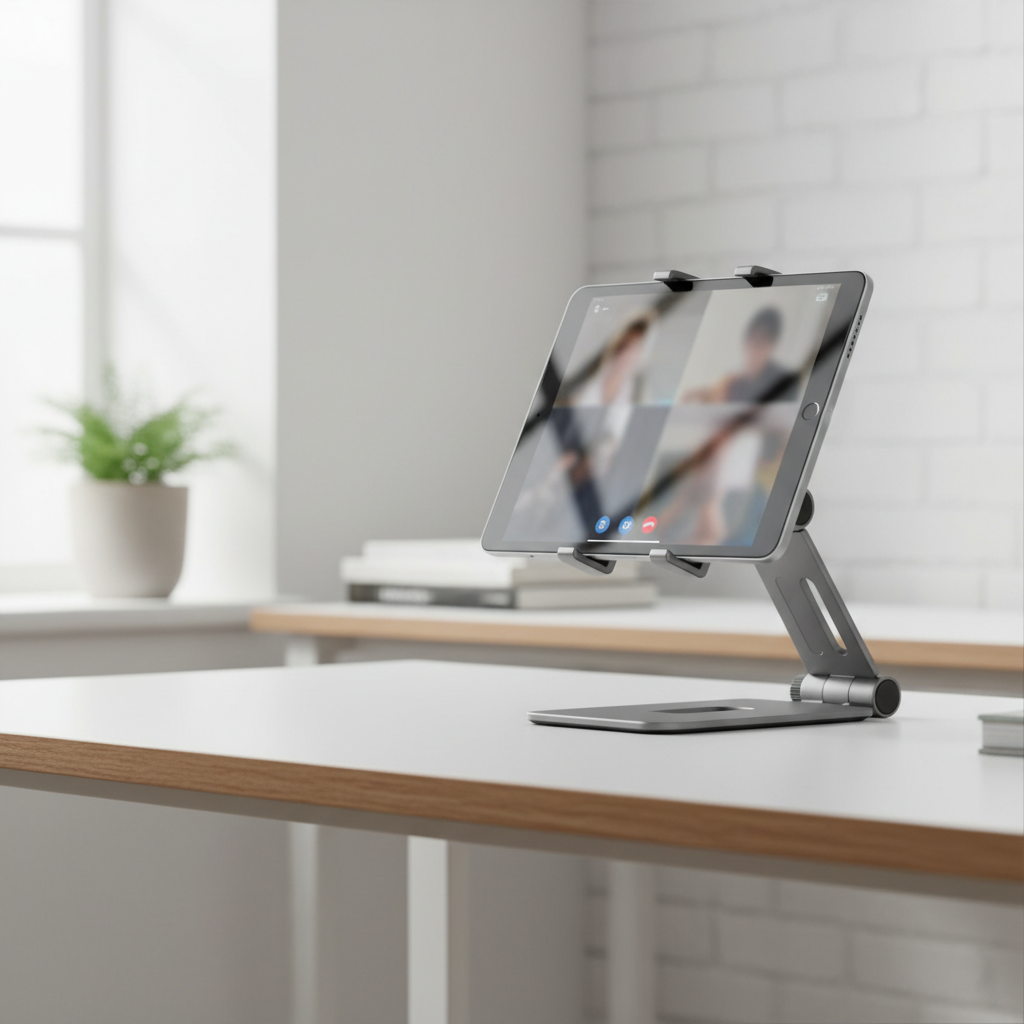
This guide breaks down what actually makes a stand “good” for video calls and movie nights, shows which stand styles tend to work best under $25–$30, and gives a quick checklist so you don’t waste money on a wobbly hinge. I’ll also point out a few common buying traps, because most returns happen for predictable reasons.
What matters most for video calls and movies (and what doesn’t)
For calls, you’re trying to solve two problems: camera angle and stability. For movies, you’re solving glare, comfort, and keeping the screen in place for an hour or two.
- Eye-level height (or close to it): A stand that only tilts but stays low can still leave you looking down into the camera, which is rarely flattering. Height adjustability helps, especially at a desk.
- Hinge tension that holds: Cheap hinges often “creep” over time, the tablet slowly sinks until you’re staring at the ceiling fan.
- Base weight + grip: Rubber feet matter more than most people think. A light base on a slick table equals wobble during typing, tapping, or a dog bumping the desk.
- Case-on fit: Many stands advertise “universal,” but thick cases and kid-proof covers change everything.
- Rotation (optional): Portrait mode is handy for reading and some call layouts, but rotation mechanisms can add wobble on cheaper models.
What usually matters less: fancy materials, “aesthetic” cutouts, and extreme angle range you’ll never use. Spend your budget on a stand that holds position, not one that looks like a mini robot.
Quick comparison: budget stand styles that typically work best
Instead of chasing a single “best” product, it’s more useful to choose the right style for your space. Here’s the practical breakdown I use when helping people shop quickly.
| Stand type | Typical price | Best for | Watch-outs |
|---|---|---|---|
| Foldable metal desktop stand | $10–$25 | Video calls, movies at a desk | Some hinges loosen, height may be limited |
| Gooseneck clamp arm | $15–$30 | Hands-free calls in bed/kitchen | Can shake when tapped, clamp fit varies |
| Tripod with tablet mount | $20–$40 | Eye-level calls, standing meetings | More parts, slower to set up, cheaper tripods wobble |
| Lap pillow stand | $15–$35 | Movies on couch/bed | Not ideal for camera eye-line, can run warm |
| Simple plastic easel stand | $5–$15 | Occasional viewing | Often too light for tapping, slips with cases |
How to choose: a fast checklist before you buy
If you want best budget tablet stands for video calls specifically, use this as a pre-purchase filter. It’s boring, but it saves you from the “looks great, feels terrible” outcome.
- Measure thickness with your case on: Compare it to the stand’s “lip” depth and clamp range.
- Look for rubber where it touches: Rubber pads on the cradle and rubber feet on the base reduce micro-shakes.
- Check height claims carefully: Many listings mean “height” as in the back support, not true lift toward eye level.
- Find hinge language: Phrases like “tight hinge” or “stays in place” are more meaningful than “premium design.” Reviews often mention droop.
- Think about charging: If you watch movies while charging, make sure there’s a cable gap and the stand doesn’t pinch the connector.
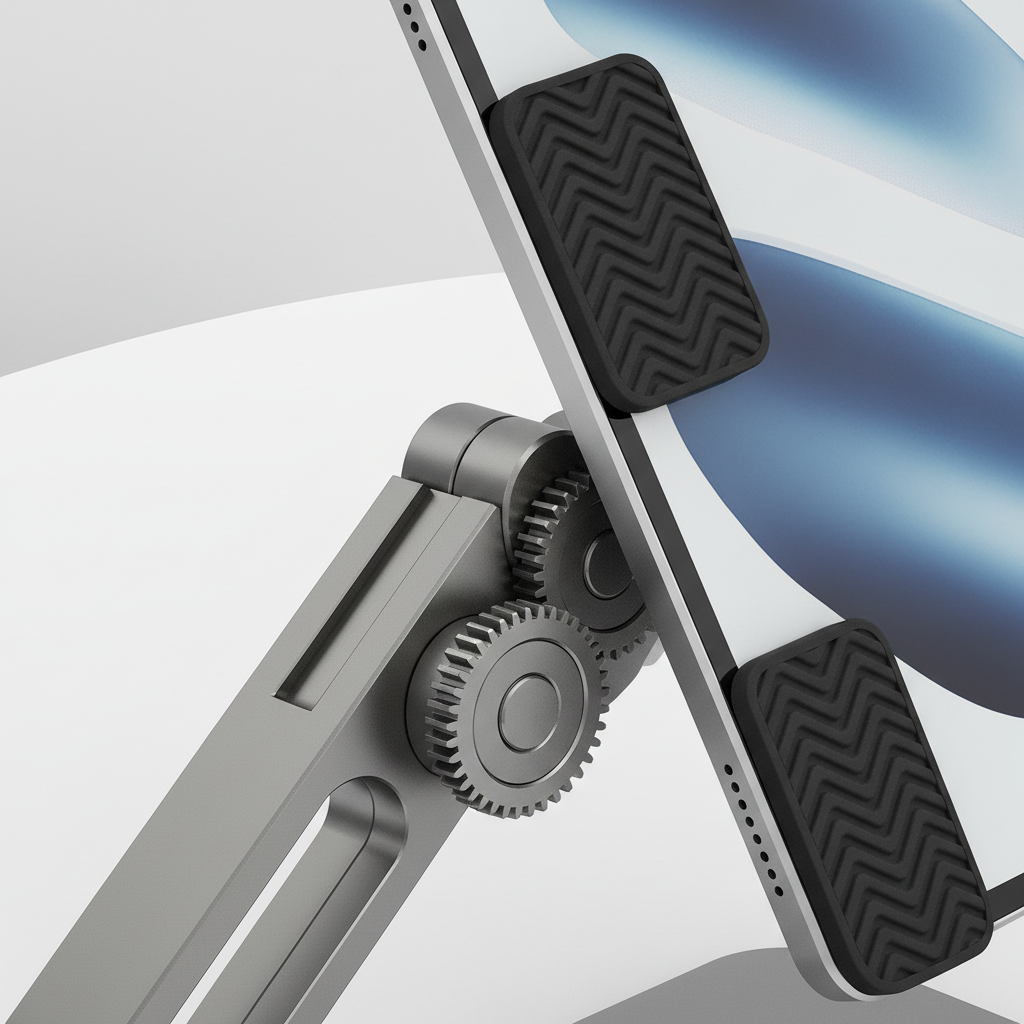
One more quick reality check: if you tap the screen a lot during calls (mute/unmute, chat, notes), prioritize a heavier base. If your calls are mostly hands-free and you use a keyboard, hinge quality tends to matter more than base weight.
Top budget picks by scenario (what to buy, not just what to like)
Below are the stand styles that, in many households, deliver the most value for the least money. Brand availability changes often, so I’m focusing on what to look for in each category.
1) For desk video calls: foldable metal stand with multi-angle hinge
This is the safest “default” purchase for most people. It’s compact, travels easily, and works for movies when you’re eating or working at a desk.
- Look for: aluminum or steel body, wide base, rubber pads, 4–6 angle positions (or friction hinge).
- Skip if: the base is narrow or the hinge is described as “smooth” without any mention of holding tension.
Small tip that helps: if your camera angle still feels low, stack the stand on a stable book. It’s not elegant, but it fixes the angle faster than buying a whole new accessory.
2) For bed or kitchen: clamp + gooseneck arm
A gooseneck arm is great when you need hands-free viewing while cooking or resting. But budget models vary wildly in stiffness.
- Look for: thicker arm (often listed as “heavy duty”), a clamp with wide jaws, and a mount with padding.
- Expect: a little bounce when you touch the screen. That’s normal for this design, even on better units.
If you do long calls, positioning matters: keep the arm shorter rather than fully extended, it usually reduces shaking.
3) For eye-level calls and group chats: small tripod + tablet holder
If you’re tired of the “nostril cam” angle, a tripod setup can be the budget-friendly fix. It’s also useful for remote workouts or family calls from the living room.
- Look for: a tripod with a wider stance, a tablet holder that clamps firmly, and a tilt head that locks.
- Watch-out: very light tripods can tip if the tablet is large or the floor gets bumped.
According to Apple Support, keeping your devices stable and ventilated helps with overall performance and comfort during use; in practice, a sturdier stand also means fewer accidental drops and less repositioning.
4) For movies on the couch: lap pillow stand
For pure watching comfort, a lap stand is underrated. It’s not the best for “professional” call framing, but it’s hard to beat for relaxed viewing.
- Look for: a stable wedge shape, a fabric that grips clothing, and a groove wide enough for a case.
- Be mindful: heat buildup can happen in warm rooms. If your tablet feels hot, give it air and take breaks.
Setup tips that make a cheap stand feel “expensive”
You can get a surprising upgrade from small adjustments, especially for video calls.
- Raise the camera to eye line: Even 3–5 inches higher can change how you look on camera.
- Stabilize the surface: A wobbly card table will make any stand look bad. Use a sturdier desk or brace the table legs.
- Control reflections: Rotate the stand a few degrees away from windows and overhead lights, glare often disappears with tiny changes.
- Audio still matters: A stand fixes framing, not echo. If your room sounds hollow, soft furnishings help, and earbuds can reduce feedback.
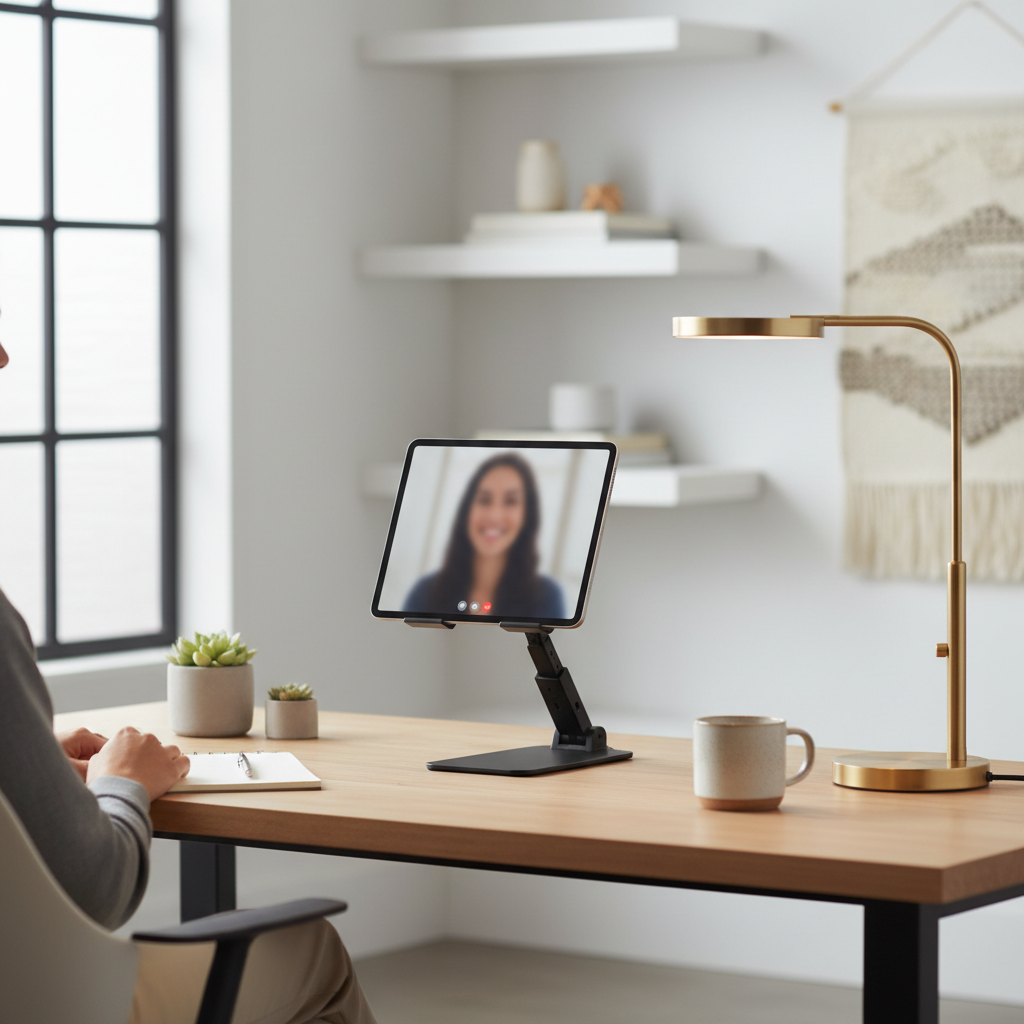
If you’re watching movies in bed and the stand keeps sliding, a simple fix is a thin non-slip mat under the base. You don’t need anything fancy, just something that adds friction.
Common mistakes when buying cheap tablet stands
- Assuming “fits iPad” means fits your iPad: Case thickness and camera bumps change fit. Many stands only truly fit bare devices.
- Overpaying for rotation you won’t use: A rotating joint can add wobble, and you might leave it in landscape forever.
- Ignoring return friction: If a stand arrives with a loose hinge, it rarely “tightens up” with use, it tends to get worse.
- Buying ultra-light for travel, then using it at home: For daily video calls, a little weight is your friend.
And one subtle one: if you type on the tablet screen itself (not an external keyboard), budget stands that are fine for watching may feel shaky. In that case, prioritize a heavier base or a lower, sturdier angle.
Conclusion: the best choice is the one that matches how you actually use your tablet
The “best” budget stand is rarely the fanciest listing, it’s the one that holds your tablet steady, keeps the camera angle comfortable, and fits your everyday setup. If video calls are your priority, start with a sturdy foldable metal desktop stand, then add height with a book if needed. If you’re mostly streaming in bed, a lap pillow stand often feels better than forcing a desk stand to do the wrong job.
If you want a quick next step, pick your main use case today, then buy the simplest stand style that solves that one problem well. Your future self on the next call will notice.
FAQ
What should I look for in the best budget tablet stands for video calls?
Prioritize stability and camera angle: a stand that doesn’t wobble when you tap the screen, plus enough height or tilt to get closer to eye level. Case-on fit and rubber pads are usually the difference between “fine” and “annoying.”
Are cheap tablet stands safe for an iPad Pro or larger tablets?
Many are, but it depends on base weight and the clamp or cradle width. Larger tablets add leveRAGe, so a narrow base can tip more easily. If you have kids or pets around, a heavier stand tends to be the safer bet.
Do I need a rotating stand for FaceTime or Zoom?
Not necessarily. Rotation is convenient for switching between portrait and landscape, but it’s not required for good calls. If rotation adds wobble on a budget model, I’d rather have a non-rotating stand that stays put.
Why does my tablet stand slowly droop during a call?
That’s usually hinge tension slipping under load. Some friction hinges loosen quickly, especially with heavier tablets. If the stand has a screw you can tighten, try that; otherwise, returning it may be more realistic than “breaking it in.”
Is a gooseneck clamp stand good for video calls?
It can be great for hands-free positioning, especially in bed or the kitchen. Just expect some bounce when touching the screen, and keep the arm less extended to reduce shake.
How can I make my video call angle look more flattering without buying a new stand?
Raise the whole setup with a stable object (books work), then tilt the screen so the camera sits closer to eye level. Also check lighting, facing a window usually looks better than having a bright light behind you.
Will a tablet stand help with neck strain?
It may, because it reduces the need to look down for long periods. If you have ongoing pain or a medical condition, it’s smart to ask a healthcare professional for guidance on ergonomics that fit your situation.
What’s the most budget-friendly stand for watching movies?
A basic foldable desktop stand often works if you’re watching at a desk, while a lap pillow stand tends to feel better on the couch or bed. Choose based on where you actually watch, not where you think you “should.”
If you’re trying to upgrade your call setup without overthinking it, start by deciding whether you need desk stability, hands-free mounting, or couch comfort, then shop within that style. If you’d like, tell me your tablet model, whether you keep a case on, and where you usually take calls, and I can narrow the options to a short, no-fluff shortlist.