
Best budget home security cameras wireless choices in 2026 are less about chasing the cheapest price and more about avoiding the “hidden costs” that show up later, weak Wi‑Fi, noisy alerts, or a subscription that turns basic features into add-ons.
If you want something that actually helps you feel in control, focus on a few practical things: dependable motion alerts, usable night vision, and an app that doesn’t make you fight it every day. Price matters, but frustration costs more.
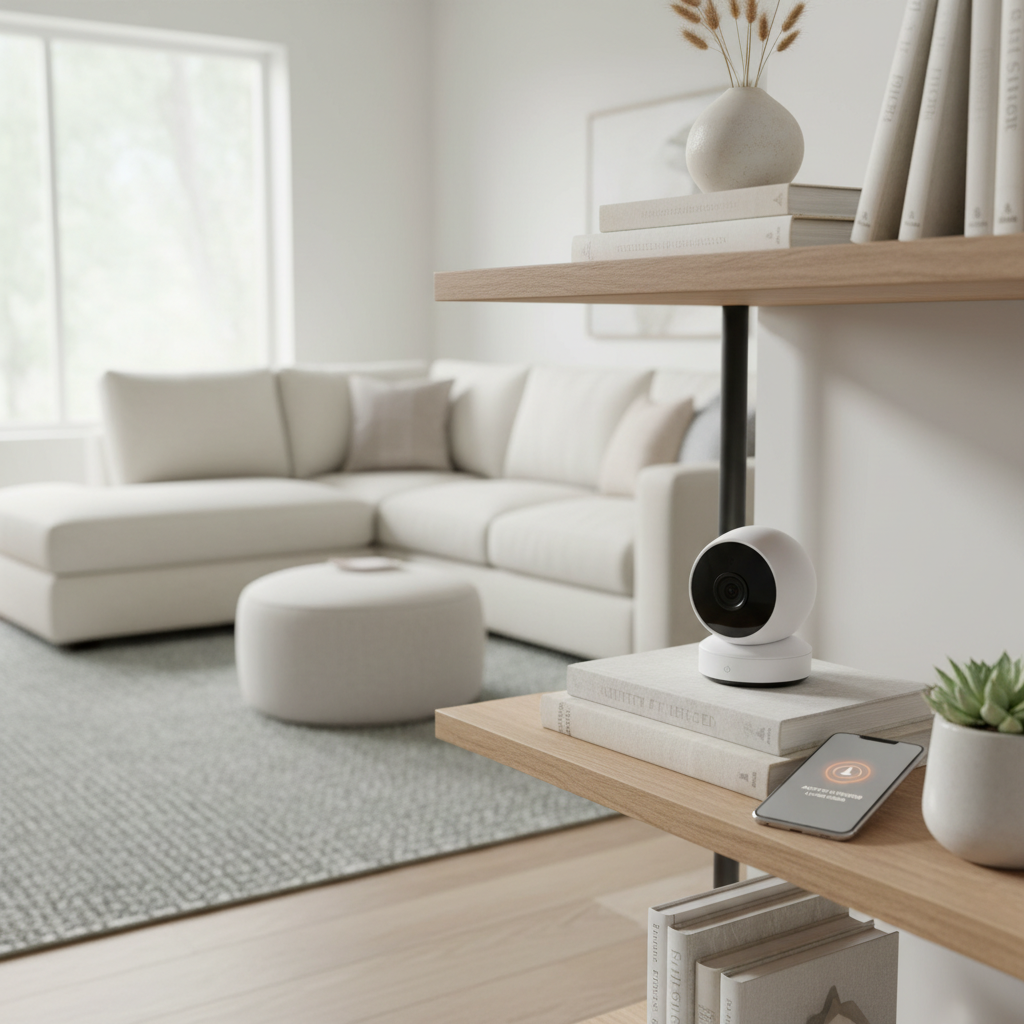
This guide walks through what “budget” really means for wireless cameras, a quick comparison table, a self-check to narrow your options, and setup tips that reduce false alarms. I’ll also flag situations where it’s worth asking a pro, because some installs are more about safety than gadgets.
What “budget wireless” really means in 2026
Wireless can mean two different things, and mixing them up is where many people waste money.
- Wireless data, wired power: Most budget models use Wi‑Fi for video and alerts but still need an outlet. This is usually the sweet spot for reliability.
- Wire-free (battery/solar): Easier placement, but you trade off some performance, you’ll manage charging, and long clips can drain batteries fast in cold weather.
Also, “budget” is rarely just the sticker price. It’s the total experience over a year: cloud subscription, extra batteries, microSD cards, and whether the camera pushes constant false alerts that you eventually ignore.
According to FTC, smart devices can create privacy and security risks if accounts, passwords, and sharing settings are not managed carefully, so plan to spend a few minutes on setup hygiene, not only hardware.
Quick comparison: what to look for (and what to skip)
Here’s a practical way to compare models without getting lost in marketing. Treat it like a filter: if a camera fails the “must-have” column for your use case, move on.
| Feature | Why it matters | Budget-friendly target | Often skippable |
|---|---|---|---|
| Resolution | Helps with identifying packages, faces, and plates (within limits) | 1080p or 2K | 4K on weak Wi‑Fi |
| Night vision | Most incidents happen in low light | IR night vision with usable range | “Color night” hype without a light source |
| Motion alerts | Good alerts reduce noise and improve response time | Person detection (device or cloud) | Ultra-sensitive “any motion” mode only |
| Storage | Controls ongoing cost and access during outages | microSD + optional cloud | Cloud-only if you hate subscriptions |
| Wi‑Fi band | Improves stability and speed depending on distance | 2.4 GHz (range) or dual-band | 5 GHz-only for outdoor far mounts |
| Weather rating | Outdoor cameras fail fast without proper sealing | IP65-ish range (varies by brand) | “Indoor only” used outside |
One honest limitation: even great budget cameras won’t magically turn nighttime footage into a movie-quality face ID. Positioning and lighting do more than a spec bump.
Common reasons budget wireless cameras disappoint
If people leave one-star reviews, it’s usually not because the camera is “bad,” it’s because the setup doesn’t match the home.
- Weak Wi‑Fi at the mount point: The camera connects, then drops at night or during peak usage. A “good router” in the living room still may not reach the garage well.
- Wrong placement: Mounting too high makes faces tiny, too low makes it easy to tamper with, pointing at the street triggers nonstop alerts.
- Subscription surprises: Some brands lock “smart alerts” or longer clips behind a plan. You think you bought a budget device, then you’re paying monthly to make it usable.
- Battery reality: Cold weather, heavy motion, and live viewing can cut battery life a lot. It’s not always “set and forget.”
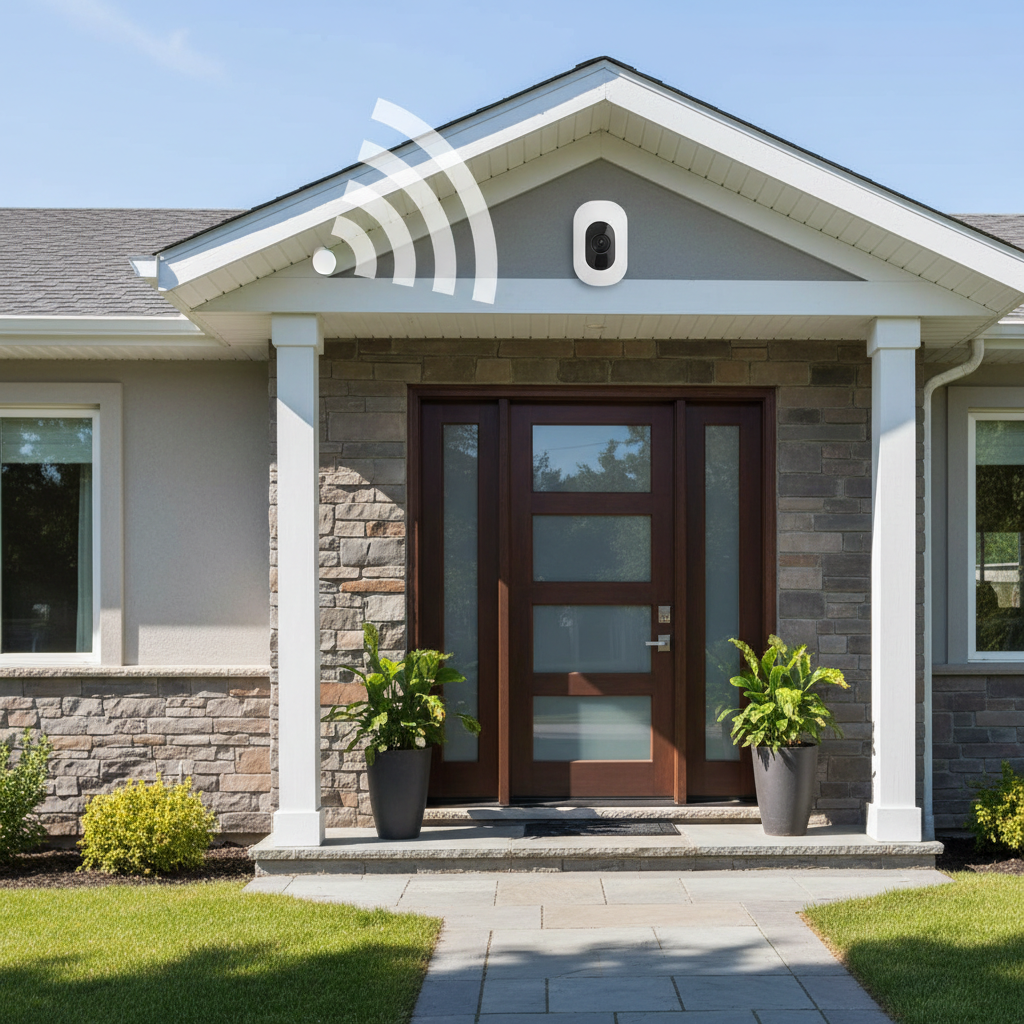
And a smaller but real issue: apps. A budget camera with a clunky app can be worse than a slightly pricier one that nails notifications and playback.
A quick self-check: which budget camera type fits you?
Before you compare brands, decide what you actually need. Answer these quickly and you’ll narrow the field fast.
- Do you have an outlet within 6–10 feet of where you want the camera? If yes, consider Wi‑Fi cameras with wired power for steadier performance.
- Is this indoor, outdoor, or both? Indoor models often lack weather sealing and theft-resistant mounts.
- Do you want to avoid monthly fees? Prioritize microSD/local storage options and check whether smart alerts require a plan.
- Do you need 24/7 recording or just motion clips? True continuous recording tends to push you toward wired power and specific ecosystems.
- Is your Wi‑Fi strong at the camera location? If unsure, test with your phone on the same network where the camera will go.
- Do you need two-way talk that’s actually usable? For package delivery, clearer audio matters more than higher resolution.
For many households, the “best budget home security cameras wireless” short list ends up being one indoor camera for high-traffic areas plus one outdoor camera for the front door, rather than trying to cover everything with a single model.
Recommended picks by scenario (instead of one “best”)
I’m not going to pretend there’s one perfect camera for every home, because there isn’t. Here are the budget-friendly categories that usually make sense, and what to prioritize in each.
1) Apartment or condo: indoor Wi‑Fi cam with privacy controls
- Look for: physical privacy shutter, easy geofencing or schedule, clear two-way audio
- Avoid: models that require cloud for basic playback if you want low ongoing cost
- Nice to have: pet/people filtering, so your phone doesn’t buzz all day
2) Front door and packages: outdoor cam with strong notifications
- Look for: quick push alerts, person detection, a wide but not distorted field of view
- Placement tip: aim to capture faces at about chest height angle, not straight down from a high eave
- StoRAGe tip: local storage helps if Wi‑Fi drops during a storm
3) Driveway: prioritize range and lighting over “more pixels”
- Look for: better night vision range, optional spotlight, configurable motion zones
- Reality check: license plate clarity often needs a dedicated LPR camera and careful angle, budget cams may struggle
4) No outlet nearby: battery cam, but manage expectations
- Look for: removable battery, solar accessory compatibility, conservative motion settings
- Plan for: seasonal charging and more missed moments if you push it to maximum sensitivity
Practical setup steps that make budget cameras feel “premium”
This is the part most people skip, then blame the hardware. A little tuning gets you calmer alerts and better clips.
- Test Wi‑Fi before mounting: Stand at the install spot, load a few web pages, and run a basic speed test. If it’s weak, consider a mesh node or moving the router.
- Use motion zones: Exclude busy streets, tree branches, and reflective surfaces that trigger at night.
- Set alert schedules: If you’re home, you may only want alerts overnight or when everyone is out.
- Pick storage deliberately: microSD is often the simplest “no monthly fee” path, but buy a reputable card and format it in-app.
- Harden your account: unique password, enable MFA if offered, review shared users. According to CISA, using strong passwords and multi-factor authentication helps reduce account compromise risk.
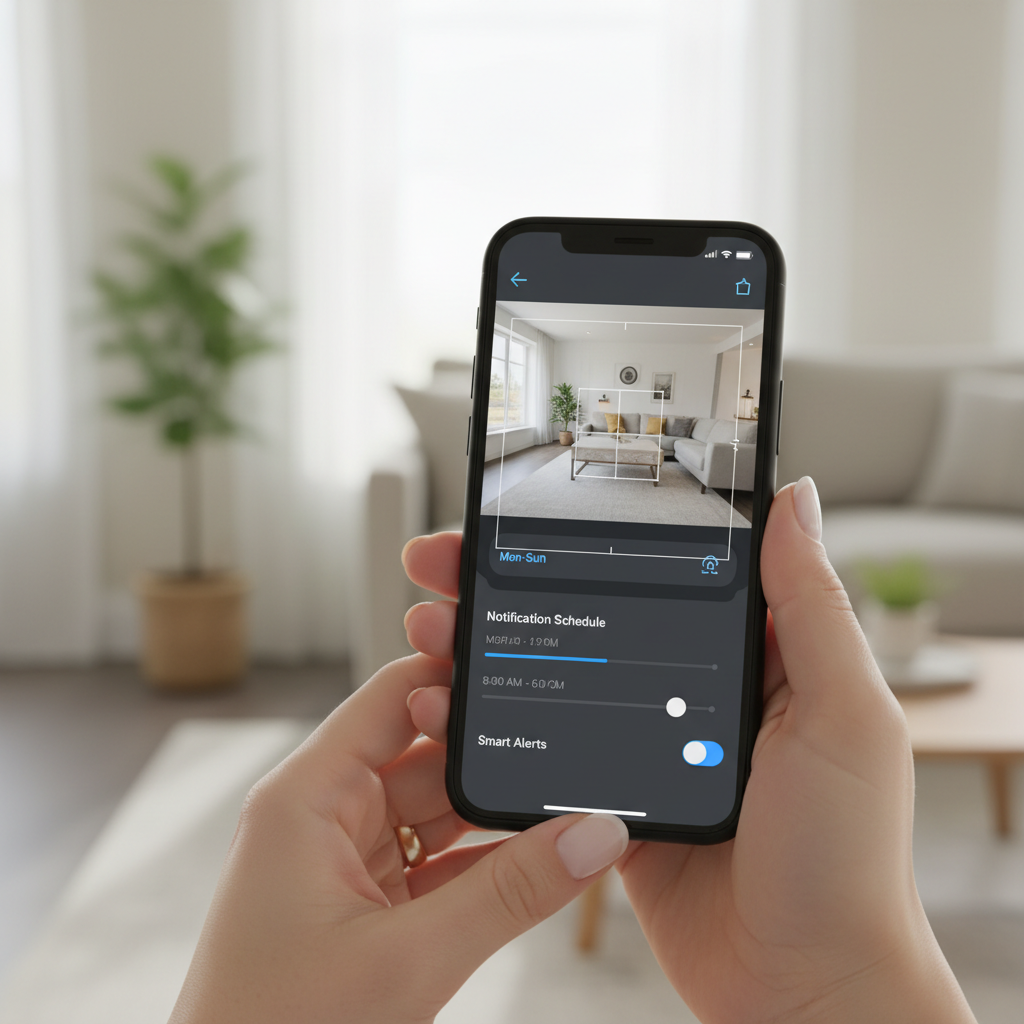
If you want a quick win, tune motion zones and notification rules before you buy more cameras. In real homes, fewer better alerts beats constant noise.
Watch-outs and common mistakes (so you don’t waste the “budget”)
A few things routinely trip people up, especially when trying to keep costs low.
- Assuming “no subscription” means “no limits”: Local storage can still have limits, like shorter clip length or no smart filters.
- Mounting too high: You get a nice overview, but faces become unhelpful blobs. Many setups do better at 7–9 feet, depending on the area and tamper risk.
- Ignoring lighting: A small porch light can improve night clips more than upgrading from 1080p to 2K.
- Relying on cameras alone for safety: Cameras document and notify, but they are not a physical barrier. Pair with good locks and lighting.
- Not thinking about privacy: Be mindful of recording neighbors’ windows or public sidewalks. Rules vary by state and HOA policies, so if you’re unsure, it may be smart to check local guidance.
When it’s worth getting professional help
Budget-friendly gear is great, but some situations benefit from a pro consultation or installer, even if you still use consumer cameras.
- Hard-to-reach exterior mounting: Working on ladders near eaves can be risky, and it may be safer to hire help.
- Mixed network issues: If you have frequent Wi‑Fi drops, a networking pro can optimize placement, channels, or add wired backhaul for mesh.
- Security-critical locations: Small business entrances, high-value storage, or repeat incidents may require a more robust system.
If you suspect stalking, repeated trespassing, or threats, consider contacting local authorities and asking a qualified professional about a broader safety plan. Cameras can help, but they’re only one piece.
Conclusion: how to buy smarter this year
The best buys usually come from matching the camera type to your home, not from chasing a “top 10” list. If your Wi‑Fi is solid and you can use wired power, you’ll often get the least headache for the money. If you need battery cameras, be honest about charging and alert tuning.
If you do two things after reading this, make them these: test Wi‑Fi at the mount spot, then decide how you want storage to work so fees don’t creep in later.
FAQ
What is the best budget home security cameras wireless option for most homes?
For many households, a Wi‑Fi camera with wired power hits the best balance of price and reliability, especially indoors or near a porch outlet. Battery models can work well too, but they require more tuning and maintenance.
Do budget wireless security cameras work without a subscription?
Many can, but it depends on whether they support local storage and what features are paywalled. Before buying, check if person detection, longer clip history, or rich notifications require a plan.
Is 2K worth it over 1080p on a cheaper camera?
Sometimes, especially for reading labels on packages or getting a slightly clearer face at close range. But if your Wi‑Fi is weak or the camera is far away, better placement and lighting often matter more than extra resolution.
Where should I place a wireless outdoor camera to reduce false alerts?
Avoid aiming directly at streets, moving trees, and reflective surfaces. Use motion zones to cut out high-traffic areas and start with medium sensitivity, then adjust after a few days of real alerts.
Can I use an indoor camera outside if it’s under a covered porch?
It might survive for a while in mild conditions, but many indoor cameras are not sealed against humidity and temperature swings. If it fails, warranties may not cover outdoor use, so it’s usually not worth the gamble.
What Wi‑Fi do I need for wireless security cameras?
Stable signal matters more than raw speed. If the camera sits far from the router, a mesh node or repositioning your router can help more than upgrading your internet plan.
How many cameras do I actually need for a small house?
Many people do fine starting with two: one covering the main entry and one inside facing a high-traffic area. Add more only after you confirm alerts and playback work the way you expect.
If you’re trying to choose the best budget home security cameras wireless setup for your space and you want a quicker shortlist, it helps to map your entry points and decide upfront whether you prefer local storage or cloud clips, then shop within that lane instead of comparing everything.