
Finding the best budget gaming headsets under 50 is mostly about avoiding the usual traps: uncomfortable clamping, a mic that makes you sound like you’re underwater, and “surround sound” marketing that doesn’t help in real matches.
The good news is that under $50 can still get you solid positional audio, a mic teammates can understand, and a build that won’t fall apart after a month, as long as you shop with a few non-negotiables in mind.
Below is a practical way to choose, a quick comparison table, and a short list of models and feature sets that tend to perform well in this price tier, without pretending every headset is “pro-level.”
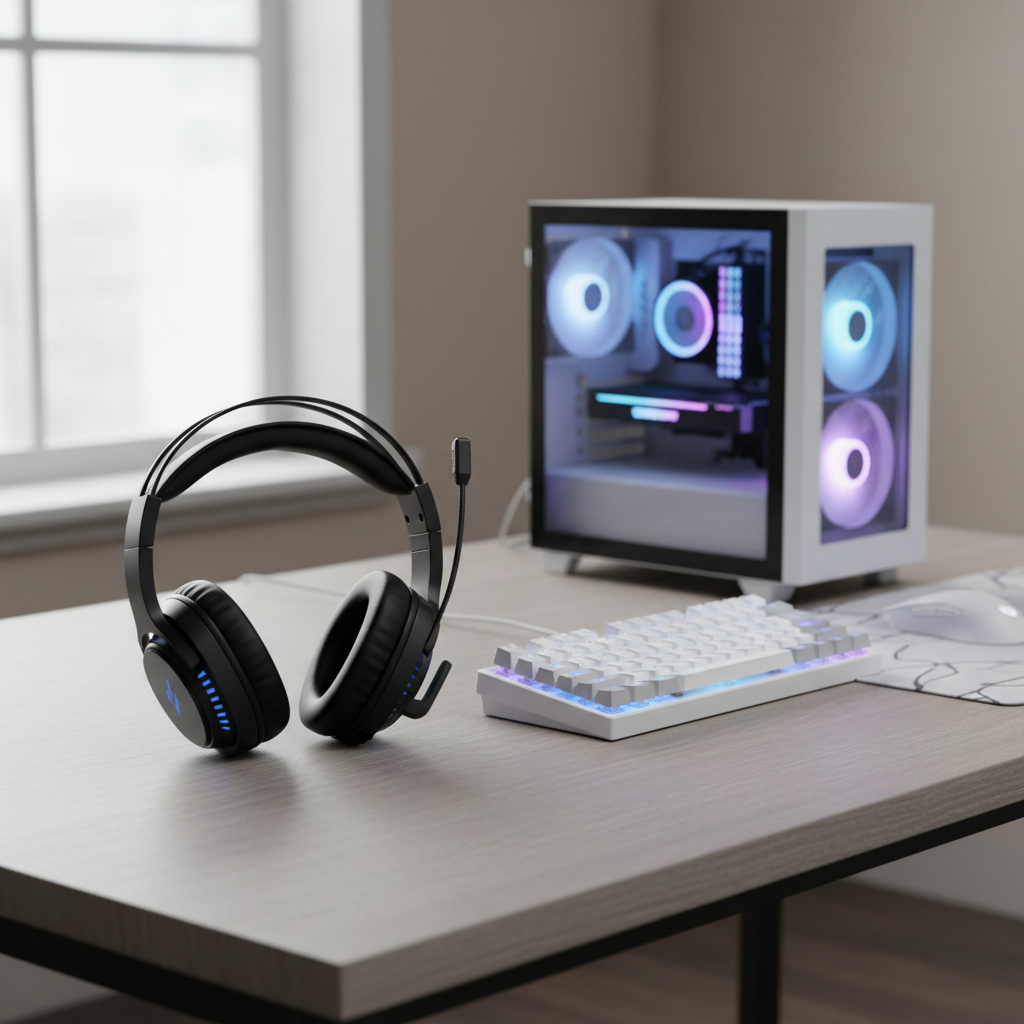
What to expect under $50 (and what not to)
At this price, you’re usually trading premium materials for “good enough” plastic builds, and you’re unlikely to get truly great wireless performance without compromises. That’s not doom and gloom, it just sets expectations so you don’t chase specs that won’t matter.
- Sound: You can get punchy bass and decent directional cues, but the midrange may sound a bit congested in busy scenes.
- Mic: Most mics are acceptable for Discord and in-game chat, but background noise reduction varies a lot by model.
- Comfort: Padding and clamp force differ wildly, even when photos look identical. Comfort becomes a “make or break” factor fast.
- Durability: Detachable cables and flexible headbands usually last longer than fixed cables and brittle hinges.
Also, “7.1” in this range is often software-based. It can help in some games, but many players still prefer a clean stereo mix for consistent positioning.
Quick comparison table: choosing the right type fast
If you want to move quickly, don’t start with brand names, start with your platform and how you play. The table below is a simple shortcut to narrow the field.
| Best for | What to prioritize | Nice to have | What to avoid |
|---|---|---|---|
| Competitive FPS | Clear mids/treble, accurate imaging, stable fit | Flip-to-mute mic, breathable pads | Overpowered bass, “fake” wide soundstage |
| Casual/Story games | Comfort, fuller bass, simple controls | Inline volume, soft headband | Scratchy ear pads, hot closed cups |
| Console (PS/Xbox/Switch) | 3.5mm compatibility, easy mute, durable cable | Detachable mic/cable | USB-only headsets unless you’re sure it works |
| Work + gaming | Mic clarity, comfort for long sessions | Detachable mic, understated look | Heavy headsets with strong clamp force |
How to tell if a headset is “good” in this price tier
The easiest way to get disappointed is to buy off one flashy feature. In the sub-$50 range, you’ll get more consistent results by checking a handful of basics.
1) Platform compatibility (the sneaky deal-breaker)
Many headsets “work” on multiple devices, but not always the way you expect. A 3.5mm headset is the safest bet across controllers, PCs, and handhelds. USB models can be fine on PC, but console support varies by model and by generation.
According to PlayStation Support, compatible headsets and features can differ by connection type and the specific console setup, so it’s worth confirming the exact model and connection method before you buy.
2) Mic monitoring and mute behavior
In real use, what matters is whether you can mute quickly and whether your mic picks up keyboard clicks and fan noise. Some budget mics sound clear but capture everything in the room, which is brutal for teammates.
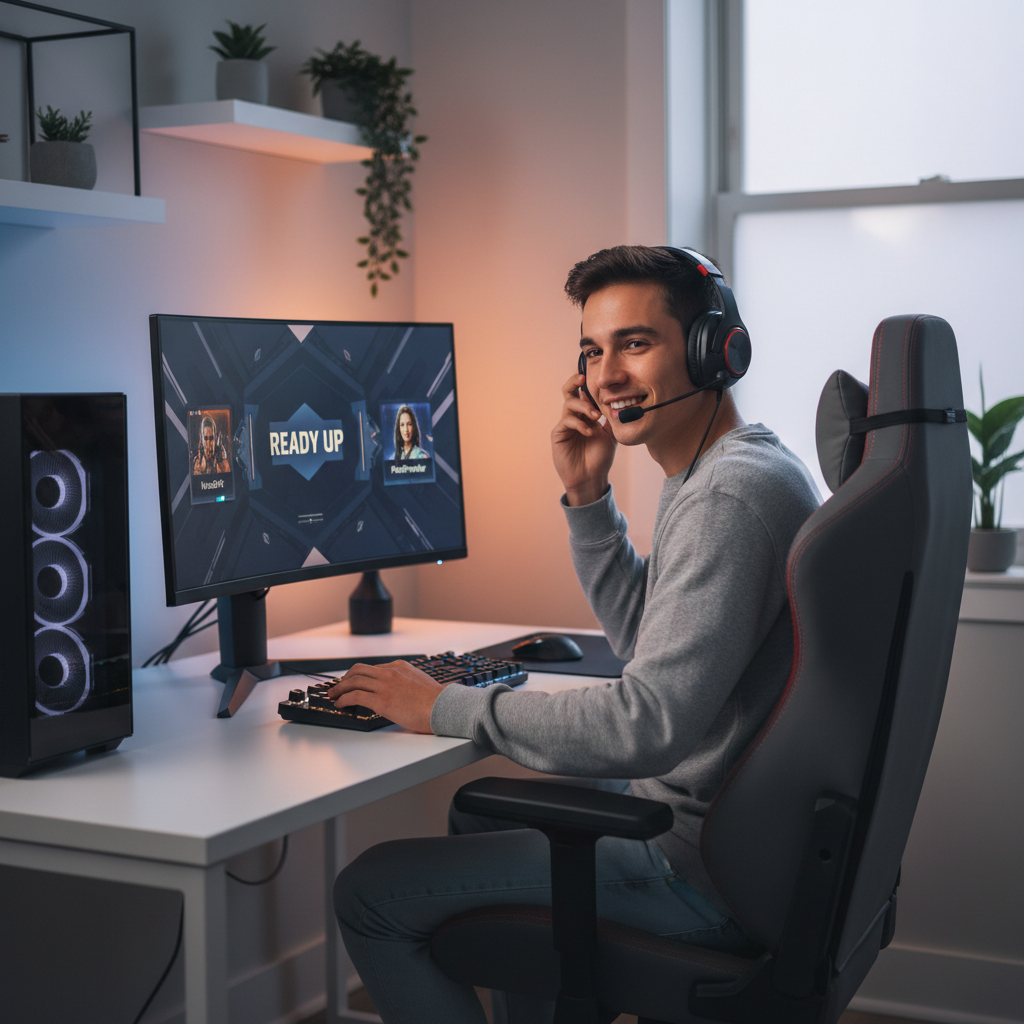
3) Comfort: clamp force + pad material
Comfort is the silent killer. If you wear glasses, pay attention to thicker pads and softer foam, because stiff pads press frames into your head. If you live somewhere warm, breathable fabric pads often feel better than sealed pleather, even if bass takes a small hit.
4) Sound signature for the games you actually play
For FPS, you typically want footsteps and reload cues to cut through, which often means not-too-boomy bass. For single-player games, a warmer tuning can feel more fun. Neither is “right,” but buying the wrong sound signature is how people end up calling a headset “trash” when it’s just mismatched.
Shortlist: strong picks and what each is good at
Because availability and sale pricing shift constantly, it’s safer to think in terms of “models that often land under $50” rather than promising a price on a specific day. These are commonly seen in the budget tier and tend to be worth a look when discounted.
- HyperX Cloud Stinger (wired): Usually a safe comfort pick with straightforward controls. Good all-around option when you want fewer surprises.
- Razer BlackShark V2 X (wired): Often chosen for clearer mids and decent imaging for competitive play, assuming it fits your head well.
- Logitech G332 / G335 (wired): Comfort-forward designs show up under $50 during promos. Check the mic sound and cable length for your setup.
- Corsair HS35 (wired): A “good enough” starter headset that can work well for console use, especially if you want a simple 3.5mm solution.
- Turtle Beach Recon 70 (wired): Frequently discounted, light on the head. Mic clarity is usually fine for party chat, but build feel can be very budget.
If your goal is the best budget gaming headsets under 50 for competitive play, you’re typically better off with a cleaner, more accurate stereo presentation than chasing bargain “surround” modes.
Practical setup tips to make a cheap headset sound better
A lot of budget headsets sound “meh” out of the box because default settings are bad, not because the drivers are hopeless. Try these before returning anything.
- Turn off heavy EQ presets at first. Start flat, then adjust slightly.
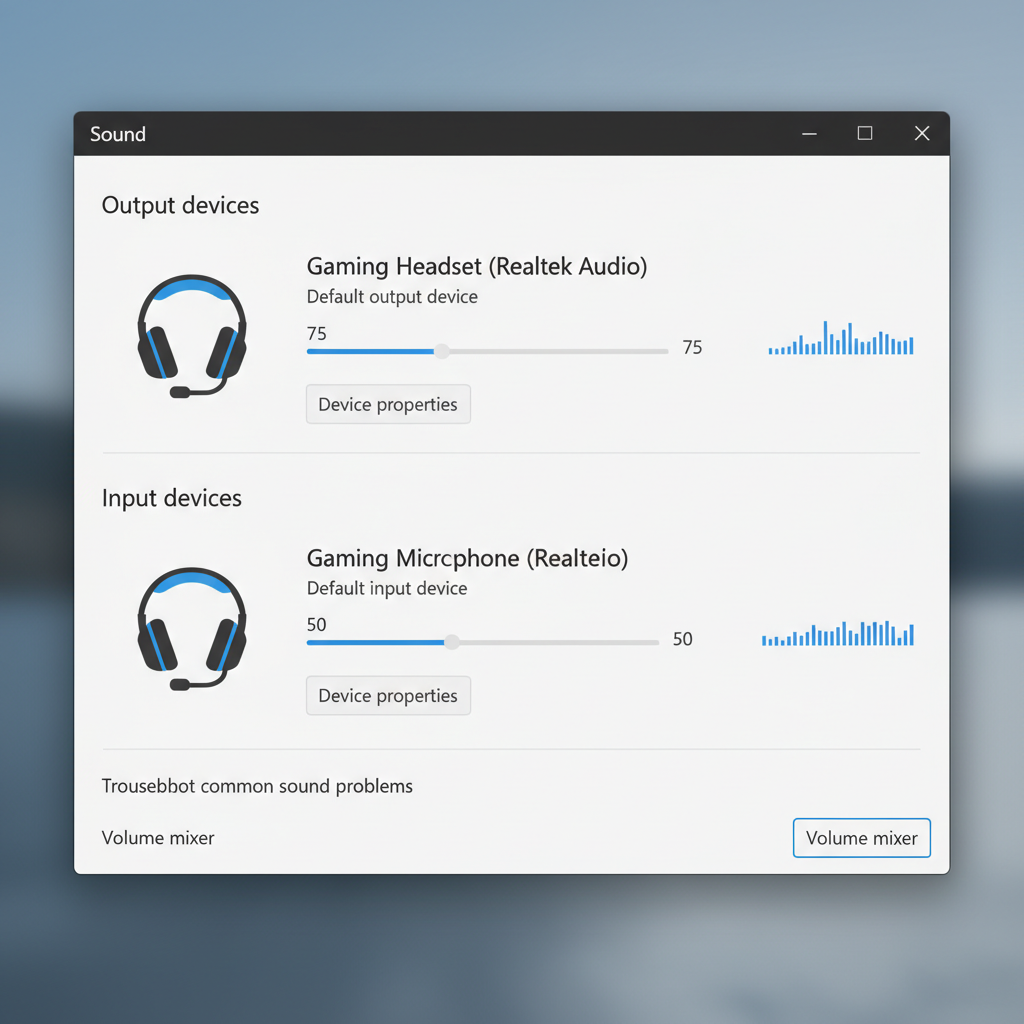
- On PC, set mic input level conservatively and raise output volume on the headset, so you don’t amplify hiss.
- Enable noise suppression carefully. Aggressive suppression can make your voice sound metallic. Light suppression is often the sweet spot.
- Check the sample rate in your OS sound settings. Some mics behave better at standard voice settings than “studio-ish” options.
According to Discord Support, input sensitivity and noise suppression features can change how your voice transmits, so it’s worth doing a 30-second test recording before your next session.
Common mistakes that waste money under $50
Most “bad headset” stories repeat the same patterns. If you dodge these, you usually end up happier even without spending more.
- Buying USB-only for console without confirming compatibility. “It plugs in” is not the same as “all features work.”
- Overvaluing surround labels while ignoring comfort and mic controls you’ll use every day.
- Ignoring return policies. Fit is personal, and photos don’t tell you clamp force.
- Assuming louder = better. If you need max volume all the time, your source device may be the real bottleneck.
Also, if you feel ear pain, ringing, or headaches during long sessions, volume and fit may be part of it, and it can be smart to dial volume down and consider taking breaks, if symptoms persist, consider speaking with a qualified professional.
How to shop deals without getting baited
Budget pricing changes weekly. If you’re trying to land the best budget gaming headsets under 50, shopping strategy matters almost as much as the model.
- Watch for “under $50 shipped”, not just list price, because shipping and accessories can flip the value.
- Check what’s in the box: splitter cables for PC, detachable mic, and spare pads are not guaranteed.
- Prioritize comfort + mic over fancy materials when you’re on a hard cap.
- Buy from retailers with easy returns, especially if you’ve never tried that brand’s fit before.
Key takeaways + what to do next
If you’re shopping this tier, you’re not trying to “beat” $150 headsets, you’re trying to avoid the few flaws that ruin daily use. Nail compatibility, get a mic you can mute fast, and pick a sound signature that matches your games.
My practical suggestion is simple: choose two candidates that fit your platform, test comfort and mic quality in the first day, and keep the one you forget you’re wearing. That’s usually the closest thing to winning under $50.
Conclusion
The best budget gaming headsets under 50 are the ones that stay comfortable for hours, keep voices clear, and don’t mess up positional cues with exaggerated bass. Pick based on your platform and play style, do a quick setup pass, and you’ll get far more value than chasing marketing labels.
If you want, tell me your platform (PC/PS5/Xbox/Switch), whether you wear glasses, and what games you play most, and I can narrow it to two or three options that usually land under $50 when discounted.