
Best laptop backpacks for work usually come down to three things you feel every day: comfort on your commute, quick access at security or in meetings, and enough protection that you stop worrying about your laptop.
If you’ve ever bought a “nice” backpack that turned into a shoulder-digger, a cable pit, or a floppy bag that won’t stand up next to your desk, you already know why this category is harder than it looks.
This guide focuses on what actually matters for work and travel, how to choose the right size and layout, and a few clear picks by use case, not hype.
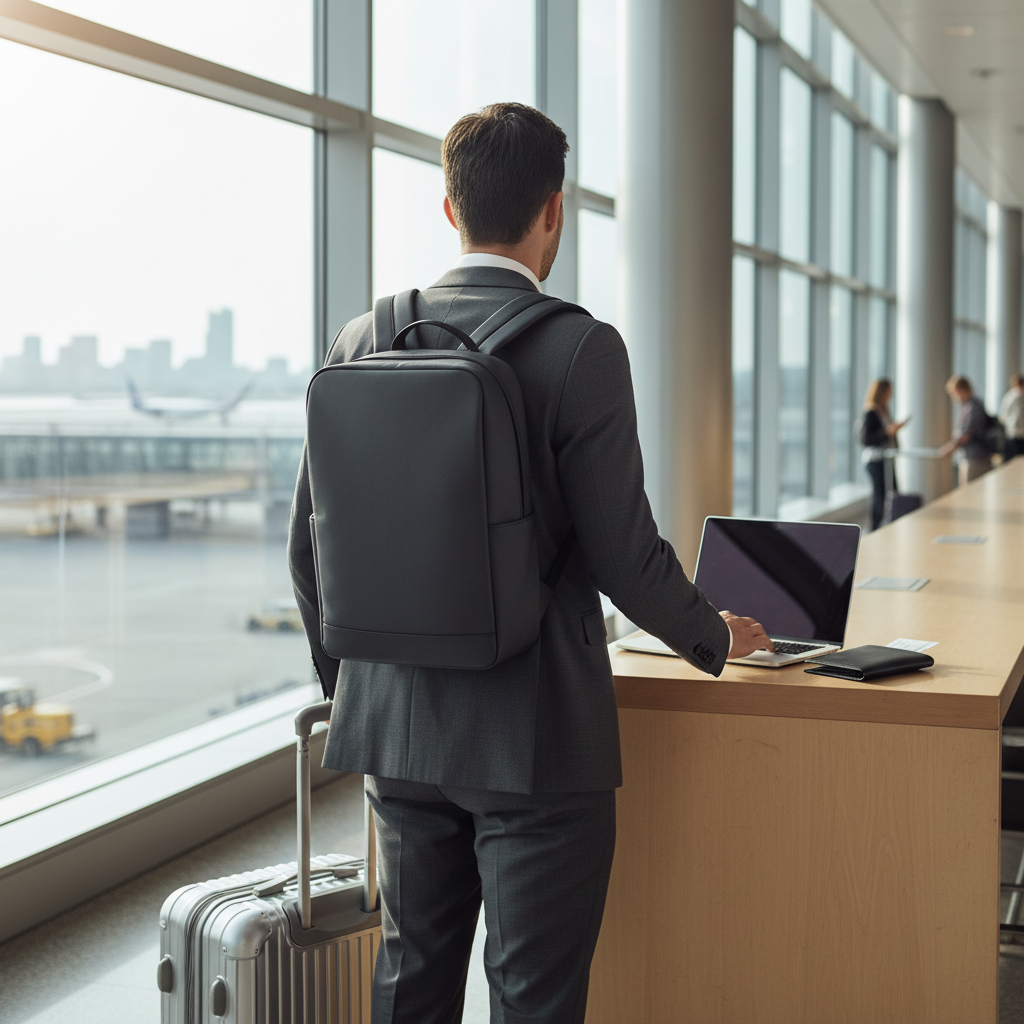
What makes a laptop backpack “work-ready” (not just roomy)
A backpack can be big and still fail at work. “Work-ready” usually means it behaves well in offices, rideshares, and airports, and it keeps your tech organized without turning you into a walking stoRAGe unit.
- Structured shape so it stands up and doesn’t slump onto your shoes.
- Dedicated laptop compartment with padding and a false bottom, so corners don’t take impact when you set the bag down.
- Quick-access pocket for phone, badge, keys, and earbuds, ideally not buried under compression straps.
- Professional look (clean lines, muted colorways) that doesn’t fight a blazer or business-casual vibe.
- Travel-friendly details like a luggage pass-through and easy-to-grab top handle.
According to TSA, keeping your bag organized and your electronics accessible helps speed screening, which is exactly why separate tech storage and quick-access pockets matter when you travel.
Quick comparison table: picks by real-world use case
If you want a fast shortlist, this is the simplest way to choose: match the bag style to your week, not your wish list.
| Use case | What to prioritize | Typical capacity | Why it works |
|---|---|---|---|
| Daily office commute | Comfort, slim profile, quick-access | 18–24L | Looks clean, carries laptop + lunch without bulk |
| Work trips (1–3 nights) | Clamshell opening, luggage pass-through | 24–30L | Packs like a small suitcase, easy hotel-to-meeting |
| Heavy tech carry | Harness support, cable organization | 24–32L | Stops shoulder fatigue, keeps chargers controlled |
| Public transit / city walking | Weather resistance, security pockets | 18–28L | Handles rain, reduces easy-grab theft risk |
| Hybrid gym + work | Separate shoe/dirty pocket, ventilation | 22–30L | Keeps office gear away from sweaty clothes |
How to choose the right size, fit, and carry comfort
Most “regret purchases” happen because people choose capacity first and fit last. Comfort is harder to judge on a product page, but there are a few signals that usually predict whether you’ll like the bag after two weeks.
Capacity: stop overbuying liters
- 18–24L: great for laptop + chargers + water bottle + light layers.
- 24–30L: the sweet spot for business travel and bulkier headphones.
- 30L+: only worth it if you regularly pack shoes, a camera kit, or a second screen.
For many people shopping the best laptop backpacks for work, the 20–28L range is where “professional” and “practical” overlap without looking like a hiking pack.
Fit and straps: where fatigue really starts
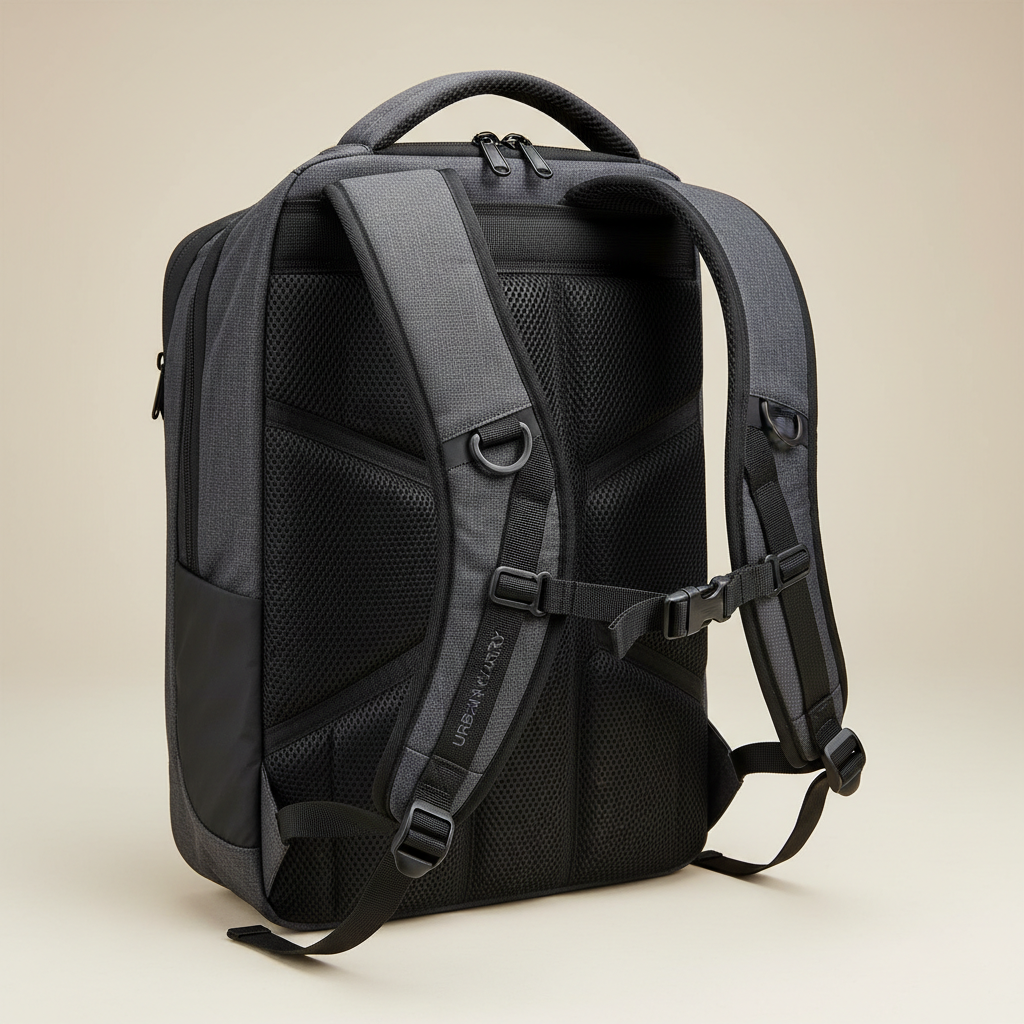
- Contoured shoulder straps distribute weight, flat straps often dig in.
- Sternum strap helps stabilize load on longer walks, even if you don’t use it daily.
- Back panel with ventilation channels reduces sweat on subway platforms.
- Load lifters (small straps near the top) matter if you carry heavy tech.
If you have recurring back or shoulder pain, it’s smart to be cautious with heavy loads and consider asking a healthcare professional for personalized advice, especially if you’re commuting long distances.
Materials and laptop protection: what’s worth paying for
Fabric choice isn’t just “looks.” It affects weight, weather resistance, and how fast the bag starts to look tired. For work and travel, a backpack usually lives through coffee spills, rainy crosswalks, and overhead-bin scraping.
Common materials you’ll see
- Ballistic nylon: tough, scuff-resistant, often a bit heavier, strong travel choice.
- High-denier polyester: lighter and budget-friendly, durability varies by build quality.
- Waxed canvas: stylish, can resist light rain, may show wear in a “patina” way.
- Coated fabrics (like TPU): better water resistance, can feel more “technical.”
Protection details that actually matter
- False bottom: keeps laptop off the ground inside the bag.
- Corner padding: corners take the first hit when you set a bag down fast.
- Stiff frame sheet: keeps pressure off your laptop when the bag is packed tight.
- Water resistance: zippers and seams matter as much as fabric.
Don’t assume “waterproof” unless the brand clearly states it and explains seam construction; most work bags are water-resistant, which is usually fine for commuting but not the same as being storm-proof.
Organization that stays organized: pockets, tech kits, and travel flow
A bag can have 20 pockets and still feel chaotic. The goal is simple: your essentials should land in the same place every time, so you can find them one-handed, half-asleep, and in a security line.
A practical layout that works for most people
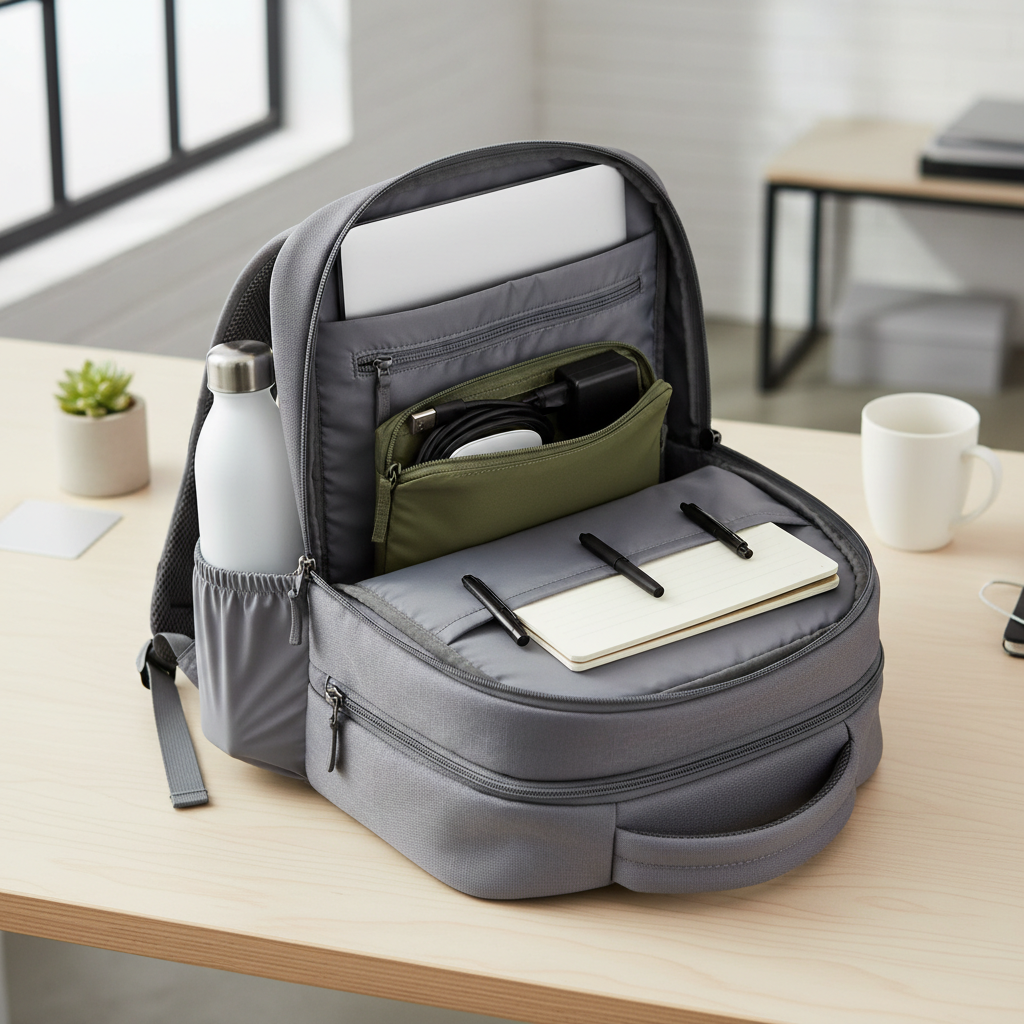
- Rear laptop compartment for your laptop and a tablet.
- Main compartment that fits a light jacket, lunch, and a small pouch.
- Top quick-access for phone, keys, badge, lip balm, earbuds.
- Front admin panel only if you truly use pens, cards, and small tools.
- Two bottle pockets if you carry water plus coffee, otherwise one is fine.
One small habit makes a bigger difference than more pockets: use one tech pouch for chargers and adapters. Your backpack stays clean, and packing for trips turns into a two-minute move.
Best laptop backpacks for work: picks by scenario (not by buzzwords)
There isn’t one perfect bag, but there are clear “best for” matches. Use these as shopping filters when you compare brands.
1) The clean commuter (minimal, professional)
- Look for: slim silhouette, structured body, subtle branding, 18–24L.
- Nice to have: magnetic top pocket, stand-up design, smooth zippers.
- Avoid: dangling straps and loud exterior webbing if you want office polish.
2) The work-travel hybrid (clamshell + luggage pass-through)
- Look for: clamshell opening, compression straps, luggage sleeve, 24–30L.
- Nice to have: separate laptop access so you don’t unpack your clothes at TSA.
- Avoid: narrow main compartments that only pack “tall,” it wastes space.
3) The heavy-tech carrier (comfort first)
- Look for: thick straps, sternum strap, frame sheet, reinforced grab handle.
- Nice to have: dedicated charger pocketing and cable routing.
- Avoid: ultralight bags with minimal back support if you carry bricks daily.
4) The rainy-city commuter (weather and security)
- Look for: coated fabric, water-resistant zips, hidden pocket near the back panel.
- Nice to have: reflective detail that doesn’t look sporty in daylight.
- Avoid: open-top totes or loose flap systems if you’re on crowded transit.
When people search best laptop backpacks for work, they often forget to define their week: office-only, office plus plane, or office plus rain. Pick the scenario first, then compare brands inside that lane.
Practical buying checklist (use this before you click “buy”)
If you only do one thing, do this. It prevents the two classic mistakes: buying too big, and buying for features you don’t use.
- Confirm laptop fit: match your device size and read how the brand measures the sleeve.
- Check empty weight: heavy bags feel fine in-store, not fine after a long day.
- Look for a false bottom: especially if you set your bag down often.
- Test zipper paths: would you fight them one-handed while holding coffee?
- Decide your “one pouch” system: tech kit, toiletry kit, or both for travel.
- Verify return policy: fit and comfort are personal, returns matter.
Key takeaways (bookmark-worthy)
- 20–28L covers most office + travel needs without looking bulky.
- Comfort features beat extra pockets for daily use.
- Organization works best when you pair the bag with one tech pouch.
- Water resistance depends on zippers and seams, not only fabric.
Wrap-up: pick the backpack that matches your week
The “right” choice usually isn’t the fanciest backpack, it’s the one that feels easy at 8 a.m. and still feels reasonable at 8 p.m. If you commute daily, prioritize comfort and a slimmer profile; if you travel, prioritize clamshell access and a luggage pass-through.
If you’re comparing options today, write down your carry list, choose a realistic capacity, then filter hard for laptop protection and strap comfort. That small bit of discipline is what usually gets you to a backpack you keep using.