
The best wireless chargers for car are the ones that keep your phone stable, charge consistently on rough roads, and don’t turn your dashboard into a cable mess.
If you’ve ever watched your battery percentage crawl up 1% at a time, or had your phone slide off a mount mid-turn, you already know why “wireless car charger” isn’t one product, it’s a whole category with trade-offs.
This guide breaks down what actually matters in 2026: Qi2 and MagSafe-style alignment, real charging speeds (not just box claims), heat management, mount stability, and how to match a charger to your phone and car.
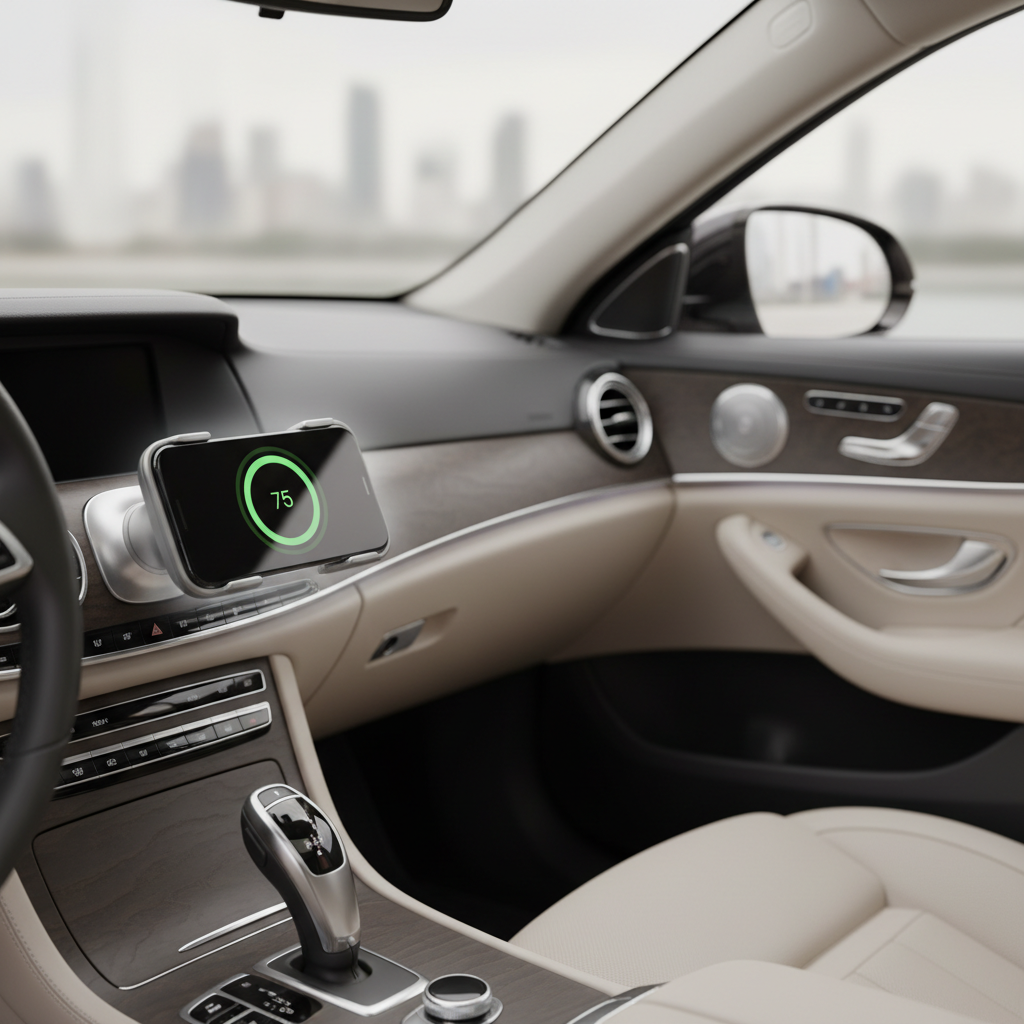
Quick picks: what to buy in 2026 (by use case)
Rather than pretending one model fits everyone, here are the buying “lanes” most drivers fall into. Use these categories, then jump to the checklist and setup tips.
- iPhone + MagSafe lifestyle: pick a MagSafe/Qi2 magnetic mount with strong hold and active cooling if you drive long routes.
- Android + Qi2-ready (or new cases): a Qi2-certified magnetic charger can be the cleanest option, but verify your phone/case supports it.
- Mixed household (iPhone + Android): a good clamp-style Qi charger is still the safest bet for compatibility.
- Ride-share / delivery / heavy driving days: prioritize mount stability, one-hand docking, and temperature control over headline wattage.
- Older car, weak vents, bumpy roads: avoid flimsy vent clips, consider a suction or adhesive dash mount with a short cable run.
Key takeaway: mount quality and alignment usually matter more than chasing the highest “W” number on the listing.
What makes a wireless car charger “best” (the stuff listings bury)
Most complaints about wireless charging in cars boil down to three things: alignment, power delivery, and heat. Fix those, and the experience changes.
1) Qi vs Qi2 vs “MagSafe-compatible” labels
Qi is the baseline wireless charging standard; Qi2 adds magnetic alignment (a big deal in cars because vibration constantly knocks the coil out of position). “MagSafe-compatible” sometimes means real magnetic alignment, and sometimes means “it sticks, kind of,” so look for clear Qi2 certification when possible.
According to Wireless Power Consortium (WPC), Qi2 is designed to improve charging efficiency and interoperability through magnetic alignment, which is exactly what you want while driving.
2) Real charging speed depends on the whole chain
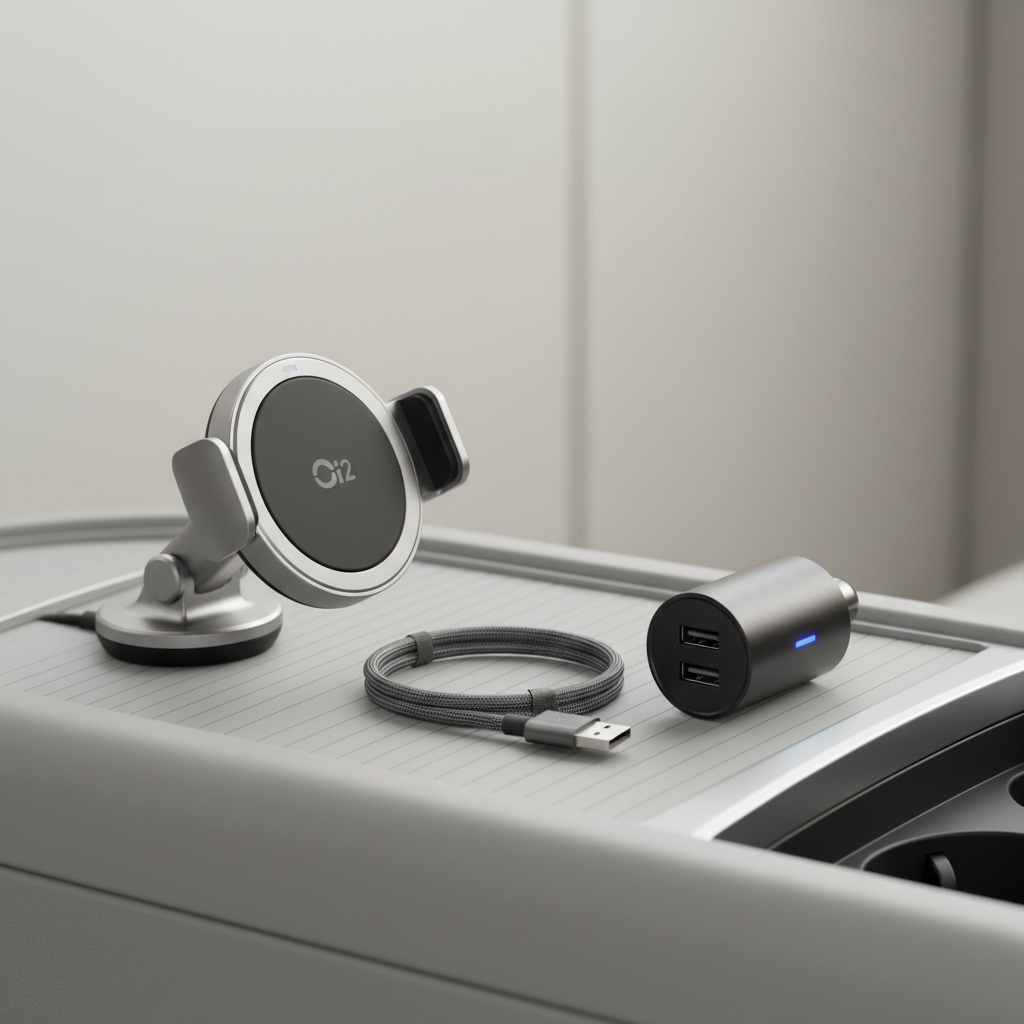
Even if a mount claims 15W, you may see less if your car adapter is underpowered, the cable is poor quality, or your phone throttles due to heat. A lot of “slow charger” reviews are really “bad power chain” reviews.
- Car adapter matters: USB-C Power Delivery (PD) ports are typically more consistent than generic USB-A ports.
- Cable matters: short, decent-quality USB-C cables usually reduce voltage drop.
- Phone limits matter: some phones cap wireless speed unless the charger supports their profile.
3) Heat management is not optional
Wireless charging generates heat, and cars add sun exposure plus warm air vents. Once your phone gets hot, it may slow charging to protect the battery. Chargers with airflow channels, heat sinks, or active fans often win in real driving, even if they look bulkier.
According to Apple, iPhone may reduce charging or pause charging if it gets too warm, so avoiding heat buildup is part of getting “fast” charging in practice.
Comparison table: pick the right type fast
Use this as a practical filter before you compare specific brands. In many cases, choosing the right type solves most of the problem.
| Charger type | Best for | Pros | Watch-outs |
|---|---|---|---|
| Qi2 magnetic mount | iPhone + newer Qi2-ready phones | Easy one-hand attach, better alignment, cleaner look | Needs compatible phone/case; magnet strength varies |
| MagSafe-certified (iPhone) | iPhone users who want consistency | Strong alignment, stable hold, predictable behavior | Not universal for Android; may need a strong car adapter |
| Clamp-style Qi mount | Mixed devices, thicker cases | Broad compatibility, often cheaper | Alignment can drift; clamps can press buttons on some phones |
| Dash/console pad charger | Short trips, minimal mounting | Simple, no vent/dash clip stress | Phone can slide, weaker coil alignment on bumps |
| Built-in OEM wireless pad | Cars that include it | No accessories, cleanest install | Often slower; can overheat in sun; fit can be picky |
Self-check: which wireless car charger setup fits you?
If you want to avoid buying twice, answer these quickly. It’s boring, but it saves real time.
- Your phone model? iPhone 12+ tends to pair naturally with magnetic options; many Android phones work great with Qi, and some support Qi2-style magnets with the right case.
- Your case? Thick cases, wallet cases, and metal rings can reduce efficiency. If your phone already runs hot, keep the case choice in mind.
- Where do you want it mounted? Vent mounts are convenient, dash mounts are often steadier, windshield mounts can block visibility in some cars.
- Trip style? Short commutes can tolerate slower charging; long drives need heat control and stable alignment.
- Your car power output? If you don’t have a strong USB-C PD port, plan to add a PD car adapter.
Rule of thumb: if your phone frequently overheats on wireless charging, choose a mount with better airflow and keep it out of direct sun when possible.
How to get fast, stable charging (step-by-step)
Most people change the charger and ignore the setup. But the setup is where the “best wireless chargers for car” actually show their value.
Step 1: build a clean power chain
- Use a USB-C PD car adapter from a reputable brand, especially if your charger asks for 18W/20W/30W input.
- Keep the cable short and avoid adapters or extensions unless necessary.
- If your car has USB ports, don’t assume they’re high-output; many are designed for data or light charging.
Step 2: mount for visibility and stability, not aesthetics
- Vent mount: good for easy reach, but hot/cold air can affect temperature and clips can loosen on rough roads.
- Dash mount: often the most stable; clean the surface well and give adhesive time to bond.
- Windshield mount: check local rules and your own sight lines, safety beats convenience.
Step 3: lock in alignment
Magnetic alignment usually wins here. With clamp-style chargers, take a minute to adjust the coil height so the phone’s charging coil sits centered, this one tweak can turn “barely charging” into “steady charging.”
Step 4: manage heat like you mean it
- Keep the phone out of direct sunlight when possible.
- If you run navigation + music + calls, consider a charger with active cooling.
- If the vent blows hot air right on the phone, switch the mount position or redirect airflow.
Common mistakes that make wireless charging feel “bad”
A lot of frustration comes from small mismatches. These are the repeat offenders.
- Using the car’s built-in USB port and expecting high output; it might be fine for cables, not always for wireless mounts.
- Buying a “15W” charger without checking phone support; your phone may negotiate a lower wireless profile.
- Mounting too low or too far; you end up re-positioning the phone constantly, alignment drifts, charging slows.
- Ignoring case compatibility; thick cases and misaligned magnet rings are common performance killers.
- Charging in direct sun; the phone warms up, then throttles, and it looks like the charger failed.
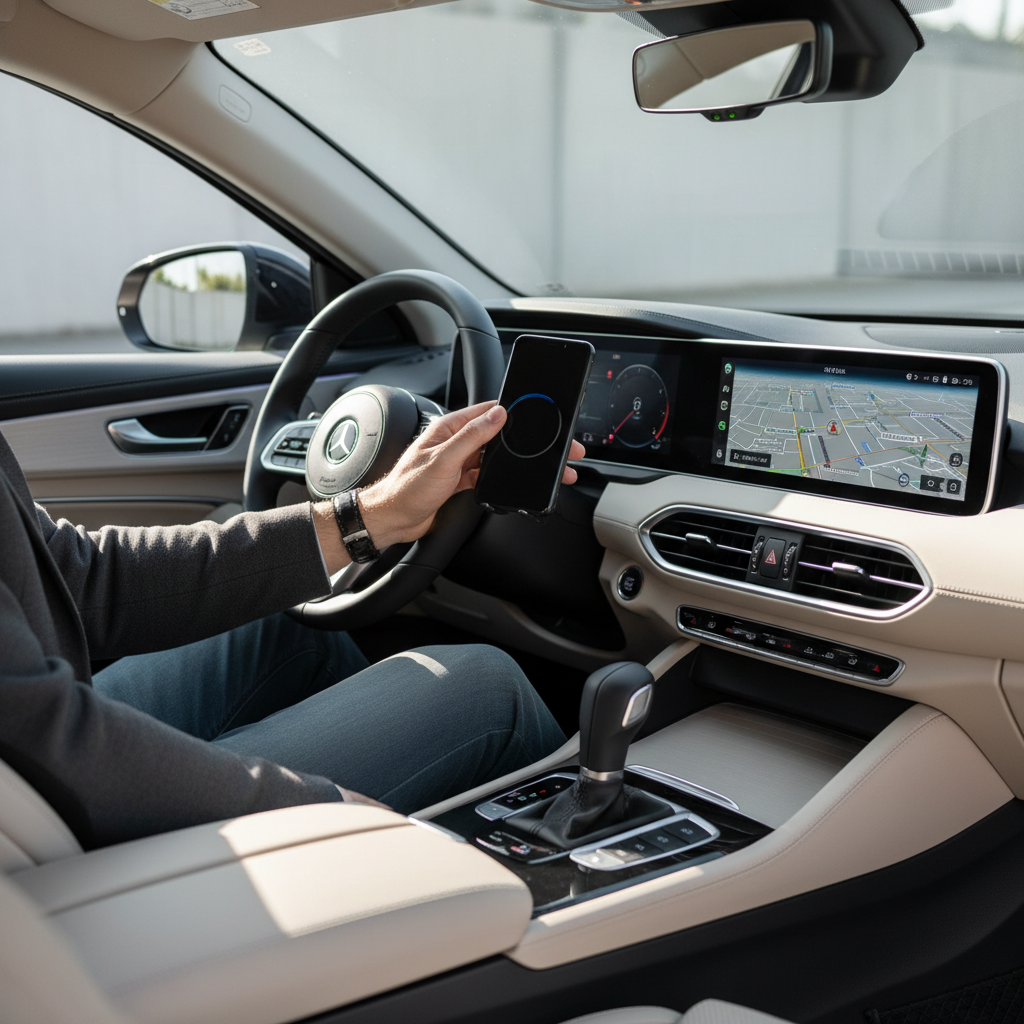
According to National Highway Traffic Safety Administration (NHTSA), driver distraction is a major safety issue, so aim for a setup that lets you dock and undock with minimal attention.
When it’s worth getting help or switching approach
If you’ve tried a good PD adapter, a decent cable, and your phone still charges erratically, the issue may be compatibility, hardware condition, or just a tough thermal environment.
- Frequent overheating warnings: consider a different mount location or consult your phone manufacturer’s support if it persists.
- Charging starts and stops while driving: check mount stability first, then inspect the power port for wear or a loose fit.
- Company fleet / ride-share installs: a professional install for power routing and mounting can reduce failures and keep the cabin tidy.
Conclusion: the “best” choice is the one you don’t think about
The best wireless car charger is the one that holds your phone steady, stays cool enough to maintain speed, and matches your device and case without drama. If you want a simple win, start by choosing the right charger type (Qi2 magnetic vs clamp-style), then pair it with a strong USB-C PD adapter and a stable mount position.
Action ideas: pick your mount style today, then audit your power chain next, because many “charger problems” are really adapter-and-cable problems.