
Best kids smart watches gps searches usually come from one place, you want a way to check in without handing a young kid a full smartphone.
That sounds simple until you hit the real-world tradeoffs, GPS accuracy varies by neighborhood, carrier plans add monthly cost, and some “kid” watches still feel like tiny phones with too many distractions.
This guide focuses on what matters for most U.S. families in 2026, safety basics, day-to-day reliability, and the features that actually reduce anxiety, plus how to avoid paying for things you will never use.
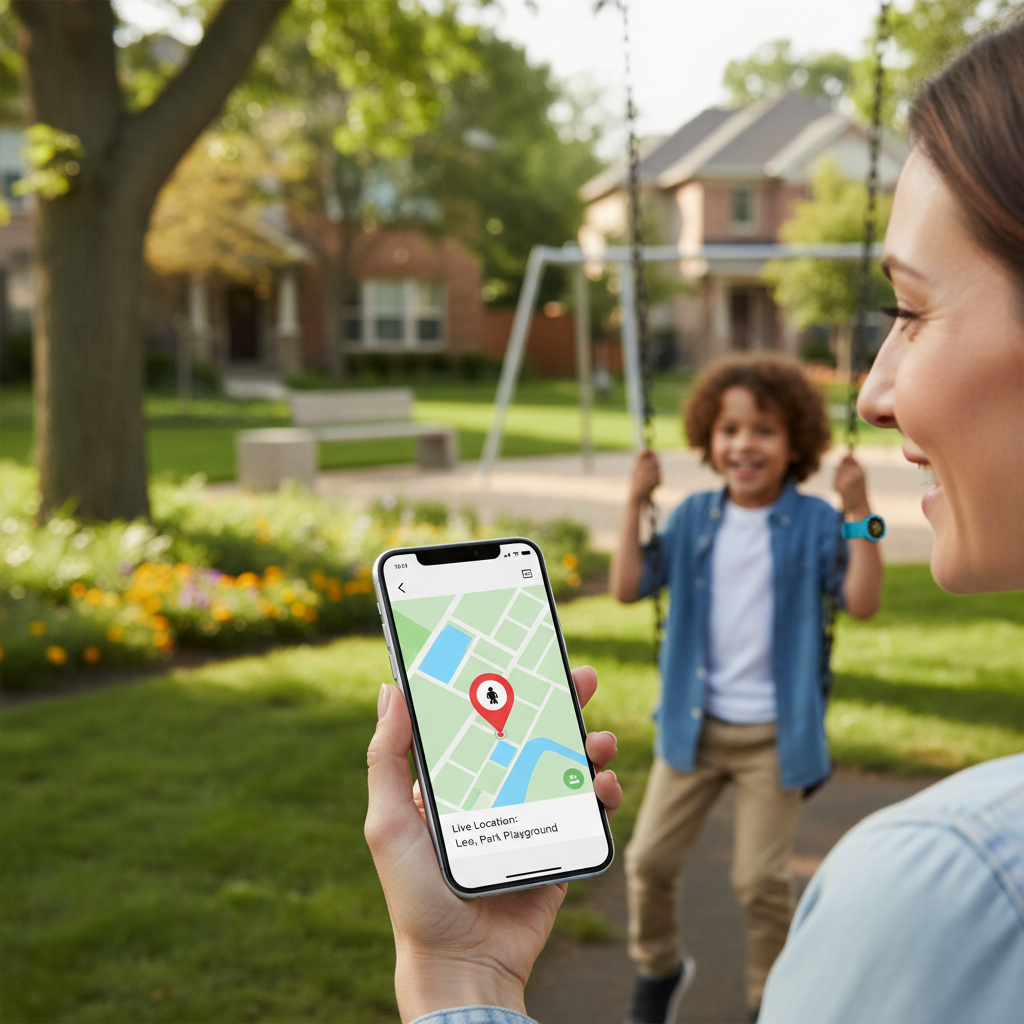
What “GPS” really means on a kids smartwatch
Most kids watches do not rely on GPS alone. They typically blend GPS, Wi‑Fi positioning, and cellular tower triangulation, then the app shows a single dot on a map. That dot can be spot-on outdoors, and noticeably off in dense neighborhoods, indoors, or around tall buildings.
According to FCC guidance on wireless 911 location accuracy, location services can vary based on device, network, and environment, that same reality applies here when a watch uses similar signals to estimate location.
- GPS outdoors: often best for parks, sidewalks, open school grounds.
- Wi‑Fi assist: helpful in malls, libraries, apartments, but depends on nearby networks.
- Cellular positioning: works almost anywhere with signal, but can be less precise.
If your expectation is “room-level accuracy,” many products will disappoint. If your expectation is “is my kid at school or somewhere else,” most watches do fine when set up correctly.
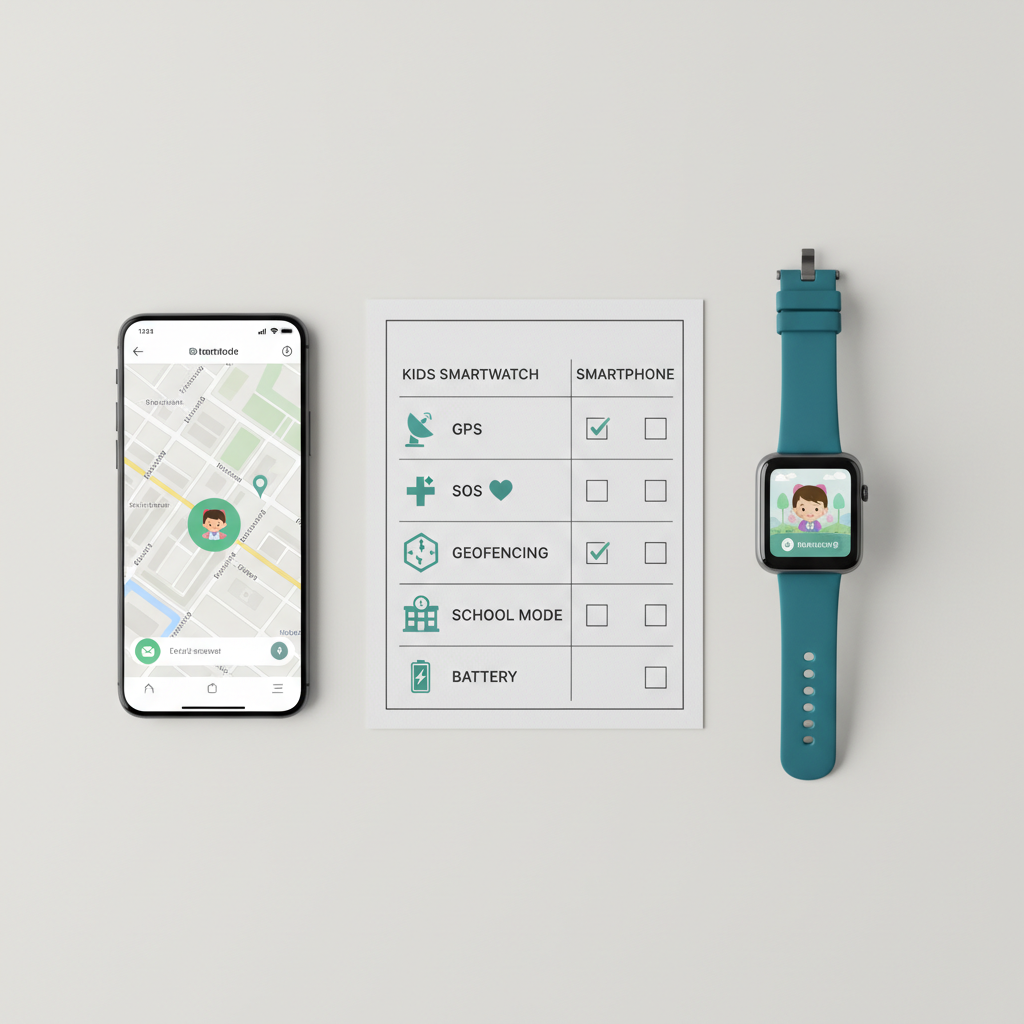
Quick comparison table (what to prioritize in 2026)
Before brand shopping, decide what kind of watch you need. Many families end up happier with the simplest option that nails calling, location, and battery life.
| Family situation | Top priority | Nice-to-have | What to avoid |
|---|---|---|---|
| Younger kid, first device | Parent contacts only, SOS, geofencing | School mode, step tracking | Open app stores, social feeds |
| Walks to school or after-school | Reliable LTE, fast location refresh | Route history, loud speaker | Weak battery, confusing menus |
| Shared custody or multiple caregivers | Multi-admin parenting app | Check-in messages | Single-account control only |
| Rural/suburban, spotty coveRAGe | Carrier compatibility, strong antenna | Offline last-known location | “GPS-only” no-cell models |
Key features that actually matter (and why)
Specs pages can look impressive, but day-to-day usefulness comes from a short list. Here is what tends to separate the best kids smart watches gps options from the “returned in a week” models.
1) Calling and contact controls
Look for an allowlist, meaning only approved contacts can call or message. That single setting prevents random numbers from turning the watch into a distraction machine.
2) SOS button behavior
SOS should be easy to trigger, but not too easy. The better implementations call a sequence of guardians and share location. Test it at home, and teach your child when to use it.
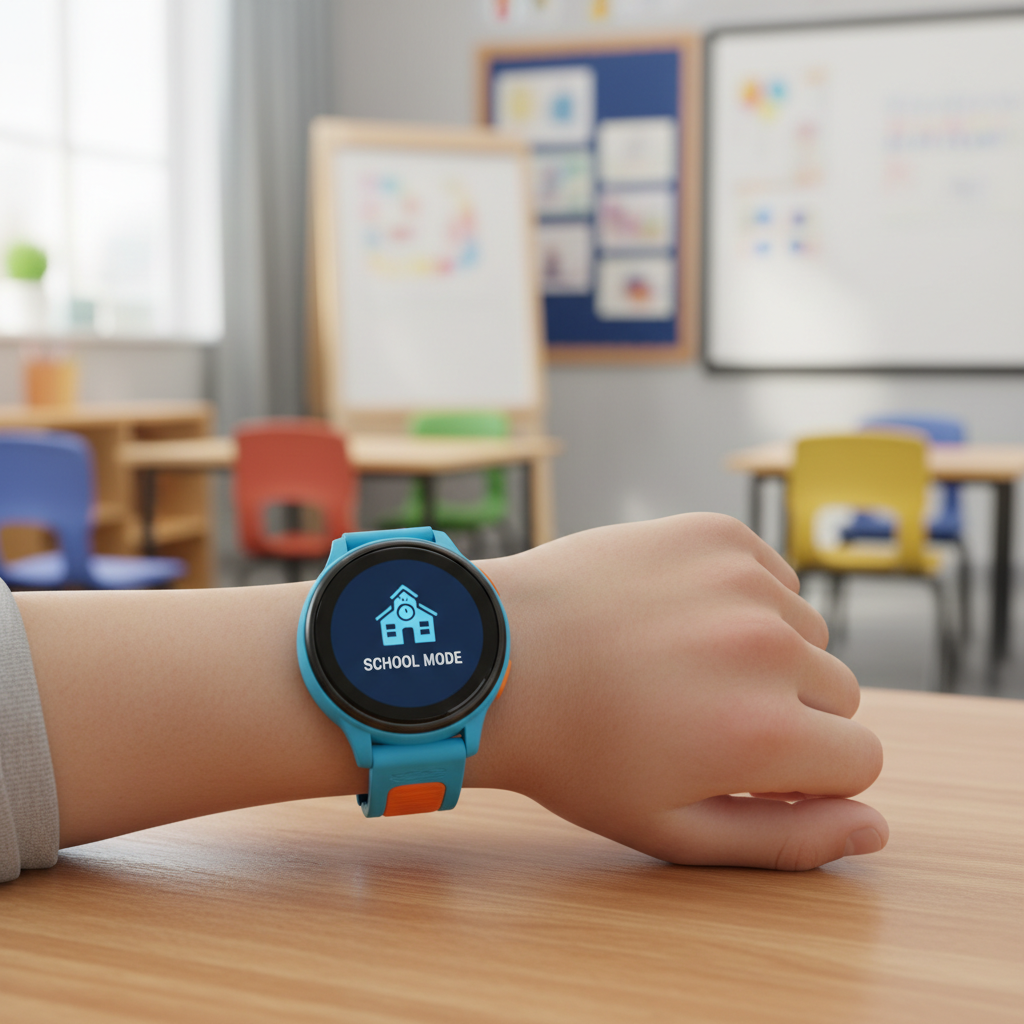
3) School mode that parents can’t accidentally forget
“School mode” should silence games and restrict messaging during set hours. The practical version still allows emergency calling and SOS.
4) Location refresh rate and history
Some watches update location on a schedule, others allow “live tracking” bursts that drain battery. A sensible default plus on-demand refresh usually works best.
5) Battery life in real life
Manufacturers may quote standby numbers. In many households, the watch spends the day on LTE with periodic location checks, that can look more like 1–2 days than 4–5. If your child forgets chargers, prioritize battery over extras.
Self-check: which type of kids GPS watch should you buy?
If you are stuck between two models, this quick checklist usually clarifies the decision fast.
- Your child’s age: under 8 often does best with calling + location only, older kids may handle text/voice notes responsibly.
- Where tracking matters: school campus, bus route, neighborhood play, or crowded public places, each stresses the tech differently.
- Coverage at your home and school: check your carrier’s map and ask other parents, real-life signal matters more than specs.
- Who manages the device: one parent, two households, or grandparents, choose an app that supports that setup.
- Distraction tolerance: if you already fight screens, avoid watches with lots of games and open messaging.
When people say they want the best kids smart watches gps, what they often mean is “reliable location plus fewer arguments,” so build your shortlist around friction, not features.
How to pick the best option: a practical buying process
This is the part most guides skip, but it saves money. Treat it like buying a tiny phone with a long return window.
Step 1: Decide on cellular plan vs paired-to-phone
For younger kids, standalone cellular watches usually make more sense than Bluetooth-only models. You do not want “out of range” the moment your kid leaves the house.
Step 2: Confirm carrier and band compatibility
In the U.S., many kids watches work best on specific networks. If the watch requires a dedicated plan, read the fine print for activation fees, taxes, and cancellation rules.
Step 3: Check the parent app reviews, not just the watch reviews
The hardware can be fine while the app is buggy. Look for recent app update frequency and recurring complaints like notification delays, login issues, or inaccurate geofences.
Step 4: Keep the feature set intentionally small
Extra cameras, mini social features, and novelty apps can backfire. If safety and coordination are the goal, choose simplicity.
Setup tips that improve GPS accuracy and reduce false alarms
A lot of “GPS problems” are setup problems. Spend 20 minutes upfront and you will get a better experience.
- Update firmware and the parent app before you test tracking, older versions can misbehave.
- Set geofences wider than you think, tight circles cause constant alerts when location jitter happens.
- Test in your real routine, walk the school drop-off path and check how fast updates arrive.
- Turn on Wi‑Fi positioning if available, it often improves indoor estimates.
- Teach “charging habit”, a dead watch is worse than no watch because you will still expect updates.
If your child has special safety needs, it may be worth discussing expectations with a school administrator or a qualified professional, since policies and supervision vary by district.
Mistakes to avoid when shopping for kids GPS smartwatches
- Buying based on “free app” claims: many watches require a subscription for location history or advanced tracking.
- Ignoring return windows: treat the first week like a field test, battery, calling, and location in your neighborhood.
- Assuming waterproof means anything: “water resistant” varies, check the rating and how the brand handles water damage.
- Over-trusting live tracking: no consumer wearable guarantees perfect location, keep common-sense safety rules in place.
According to FTC consumer guidance on privacy, it is smart to review what data a connected device collects and how it is shared. For kids devices, that review matters even more.
Conclusion: the right choice is the one you will actually use
The best kids smart watches gps pick for 2026 usually looks boring on paper, strong calling, predictable location updates, solid battery, and parent controls that do not fight you.
Key takeaways: prioritize network reliability, keep features age-appropriate, and plan a short “trial week” to test GPS accuracy where your child actually goes.
If you want to move today, write down your must-haves, check carrier compatibility, then choose the simplest watch that meets those requirements without adding distractions.
FAQ
- What is the best age for a GPS smartwatch instead of a phone?
Many families start around early elementary when a child begins short independent time, walking from a bus stop, playing in the neighborhood, or staying after school. Maturity matters more than age. - Do kids GPS watches work inside school buildings?
Sometimes, but accuracy can drop indoors. A watch may switch to Wi‑Fi or cellular estimates, which can drift. Testing at your school pickup spot gives you the most honest answer. - Do I need a monthly plan for kids GPS tracking?
In most cases, yes if you want away-from-home calling and consistent tracking. Some features might sit behind a subscription even after you pay for the device, so read the plan page carefully. - How accurate are geofencing alerts on kids smartwatches?
They can be helpful, but they are not perfect. Smaller geofences tend to trigger false exits, while larger ones reduce noise but feel less precise. - Can two parents monitor the same kids smartwatch?
Many brands allow multiple guardians, but setup varies. If you have shared custody or multiple caregivers, confirm multi-admin support before buying. - Is it safe to let a kid message from a smartwatch?
It depends on contact controls and your child’s habits. If the watch limits messaging to approved contacts, risk drops. If it supports open chat or social features, you may want to skip it. - What should I do if GPS location seems wrong?
Update firmware, check battery level, confirm cellular signal, then widen geofences and retest outdoors. If it stays unreliable, consider exchanging during the return window, some models simply perform better in certain areas.
If you are shopping and want a faster short list, start with your carrier coverage, your child’s routine, and the smallest feature set that still gives you SOS and dependable location, that approach usually leads to a purchase you do not regret.